"Copilot Key" Remapping Soon to Be Possible Without Hacks
In the latest news, we can clearly see yet another proof of how much power Microsoft holds over hardware manufacturers.
Guess what? — Microsoft has finally admitted that Windows 11's dedicated Copilot key breaks certain workflows, and has confirmed plans to let users restore the "Right Ctrl" or "Context menu" key later this year.

This key has been a menace for people utilizing the right Ctrl key for specialized software like VirtualBox as a "host key", for screen reader users who have relied on it for ages, or for the Linux OS crowd who found themselves stuck with a useless key on their new laptops.
Remapping it has never been a trivial task because it isn't a modifier like the original Ctrl key was. Instead, it sends a single hard-wired Left Win + Left Shift + F23 keyboard shortcut. All existing hacks to make it act as Ctrl have been extremely unreliable, often breaking out of nowhere. It seems this may soon become a thing of the past, and users will finally be able to use that key the way they want.
This event is not a celebration of "Yay, Copilot is failing!", or a sign that "Microsoft is finally changing its ways" — It's a sobering reminder that for years, not a single manufacturer of so-called "Copilot+ PCs" (basically all Windows laptops with 16+ GB of RAM) provided a way to change the behavior of that button, whether via BIOS or device-specific management software.
The fact that users had to rely on hacks because manufacturers refused to introduce a trivial firmware toggle effectively hints that this was a strict requirement for "Copilot+ PC" certification, meant to help Microsoft shamelessly promote its glorified AI slop button and force users to cope.
And the manufacturers complied.
Suffice it to say, I did my part by not buying a single laptop with a dysfunctional right Ctrl key in the mean-time. Actually, this is a nice opportunity to show off this beautiful bastard — the 2017 Lenovo ThinkPad X270 I obtained half a year ago and have been using almost exclusively to learn and practice Tcl/Tk while working on the post on the topic. Well, that, and I've always wanted a ThinkPad and needed a machine for very technical tasks like flashing firmware, jailbreaking various devices, and running bare-metal software scripts that might wreck an OS install, to avoid borking the setup on my main Lenovo 14ACN6.
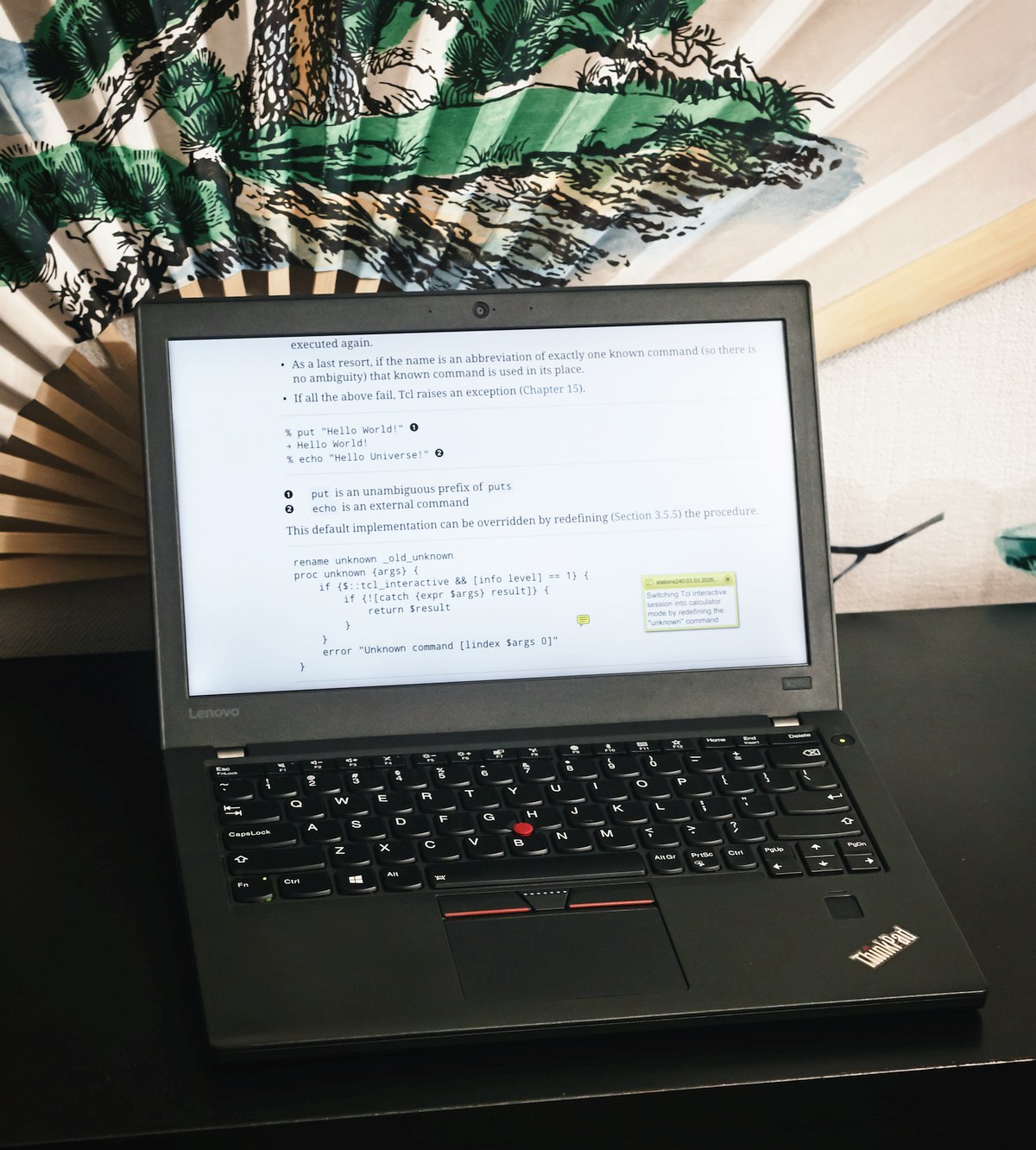
The laptop may not be fast by today's standards, but it was cheap, came with a large 48Wh battery in addition to the healthy 15Wh internal one, has 16GB of RAM, is super compact (with a 12.5'' screen), and is in great condition. So, consider buying a used laptop instead of a new one if you don't need the latest features, especially when some of those are more of an obstacle than a useful feature anyway.
And I will continue to vote with my wallet whenever some greedy corporation and its spineless manufacturing disciples decide to take away a standard piece of user utility and replace it with a useless billboard for their trendy garbage.
How To Fix Mouse Wheel Scroll Skipping In VirtualBox Linux Guests With X11 Desktop Environments (MATE, GNOME, KDE, or XFCE And Others)

If like me you've had enough the of mouse scroll skipping in X11-based Desktop Linux Guest VMs, after years of searching, I finally have the solution.
The Problem
In all Linux distros with any X11-based desktop environment that I've ever used in VirtualBox as guest OSes I've experienced the same infuriating issue: if I were to scroll the mouse wheel slowly (especially when scrolling up-down-up-down...) — the inputs would randomly get "eaten" for some reason. This led to them not being registered, which was extremely annoying, because I had no clue why this was the case only with the Linux guests, and never with Windows XP/7/10 ones.