All about VFX and CGI software (and more).
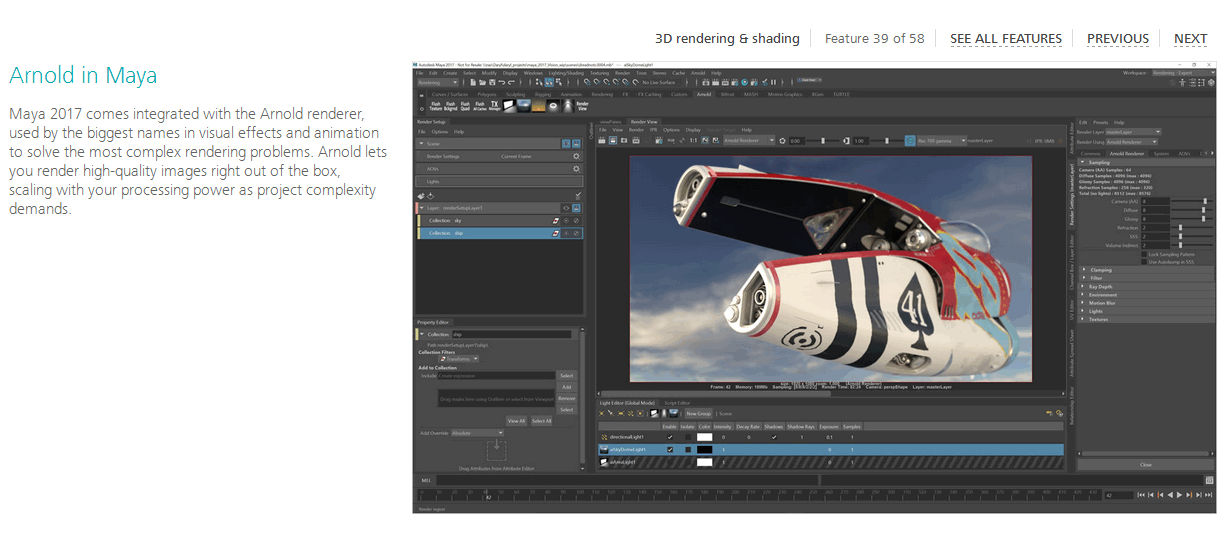
Maya 2016 ships with Arnold now. Good bye, Mental Ray
SIGGRAPH 2016 is full of surprises.
Autodesk announced that with Maya 2016 they decided to ditch Mental Ray and replace it with Arnold. I gotta say... Of all things AD did over the years...
This is kinda cool.
Still, AD being AD, batch rendering will cost you extra.
Luckily, interactive rendering (that is rendering from Maya) doesn't require a separate Arnold license. This means that Maya now comes with probably the most renowned production rendering solution (albeit CPU-only) by default.
Not bad... Not bad at all, AD.
HDR Image Manipulation for Free With GIMP 2.9
Lately I've been playing around with HDRI maps and creating my own 360 HDR panos to use for image-based lighting with Redshift.
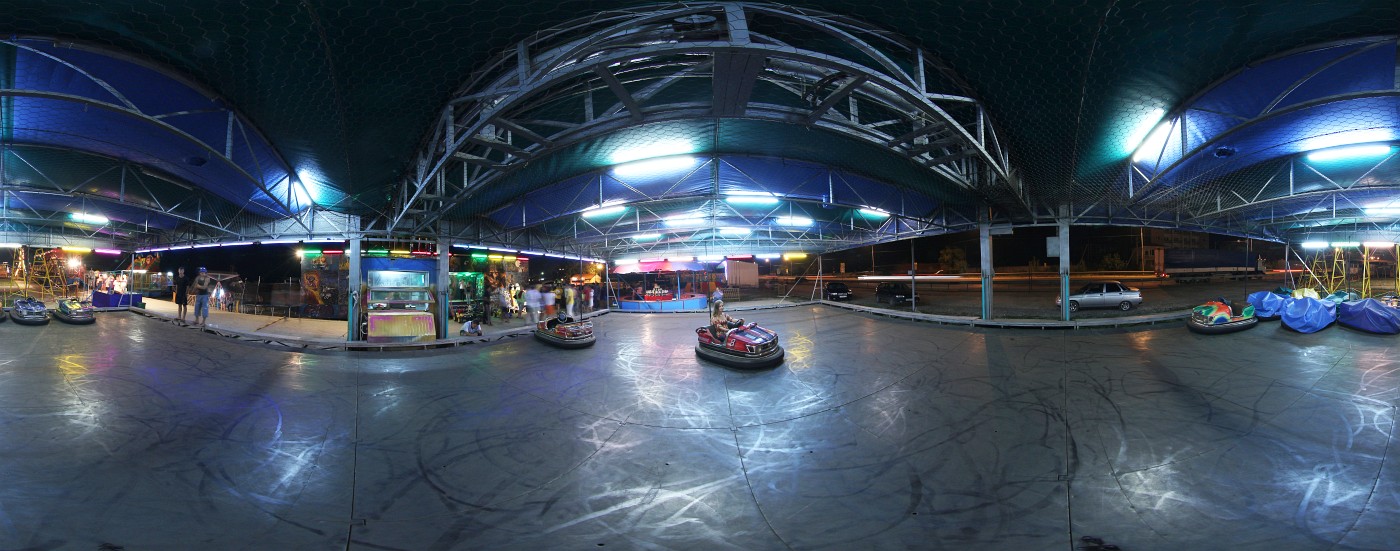
I quickly realized that some of those maps would need to be tweaked a bit for a better result. For that you need some piece of software... like Photoshop for example. Unfortunately Photoshop costs money and even with subscription may not be the best choice for a hobbyist on a budget. Besides, Photoshop isn't the only tool on the market that can do this, right?

I then turned to GIMP only to find out that current stable version didn't support floating point image manipulation of any kind. What I didn't know was that GIMP team have been long working on the new color management implementation which would support HDR workflows and more!
Turns out a week ago they actually released the 2.9.4 version of GIMP with numerous improvements over the 2.8.x branch. At the moment it's only available in the form of a development snapshot in git, but if you wish to give it a go right away without compiling it yourself, you can try out the experimental GIMP builds from partha.com.
Redshift v2 volume rendering samples
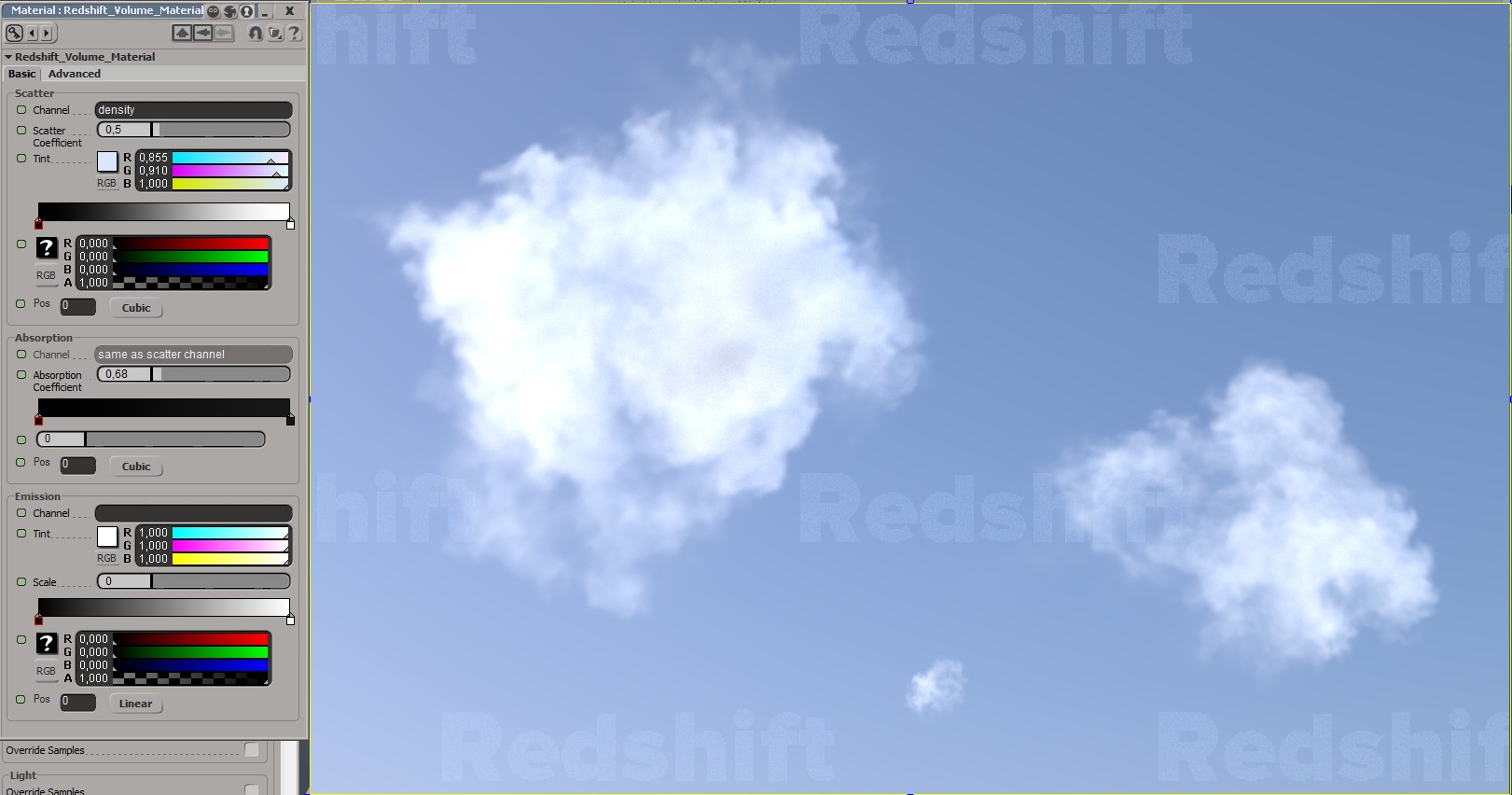
Tried it. Amazed. Can't stop playing with the new Redshift! Volume rendering works like a charm with blazing speeds even with brute force GI enabled with about 500 samples! Crazy!
Tell me those are not some pretty clouds:
And this is not some heavy but oh so beautiful cloud of thick smoke:
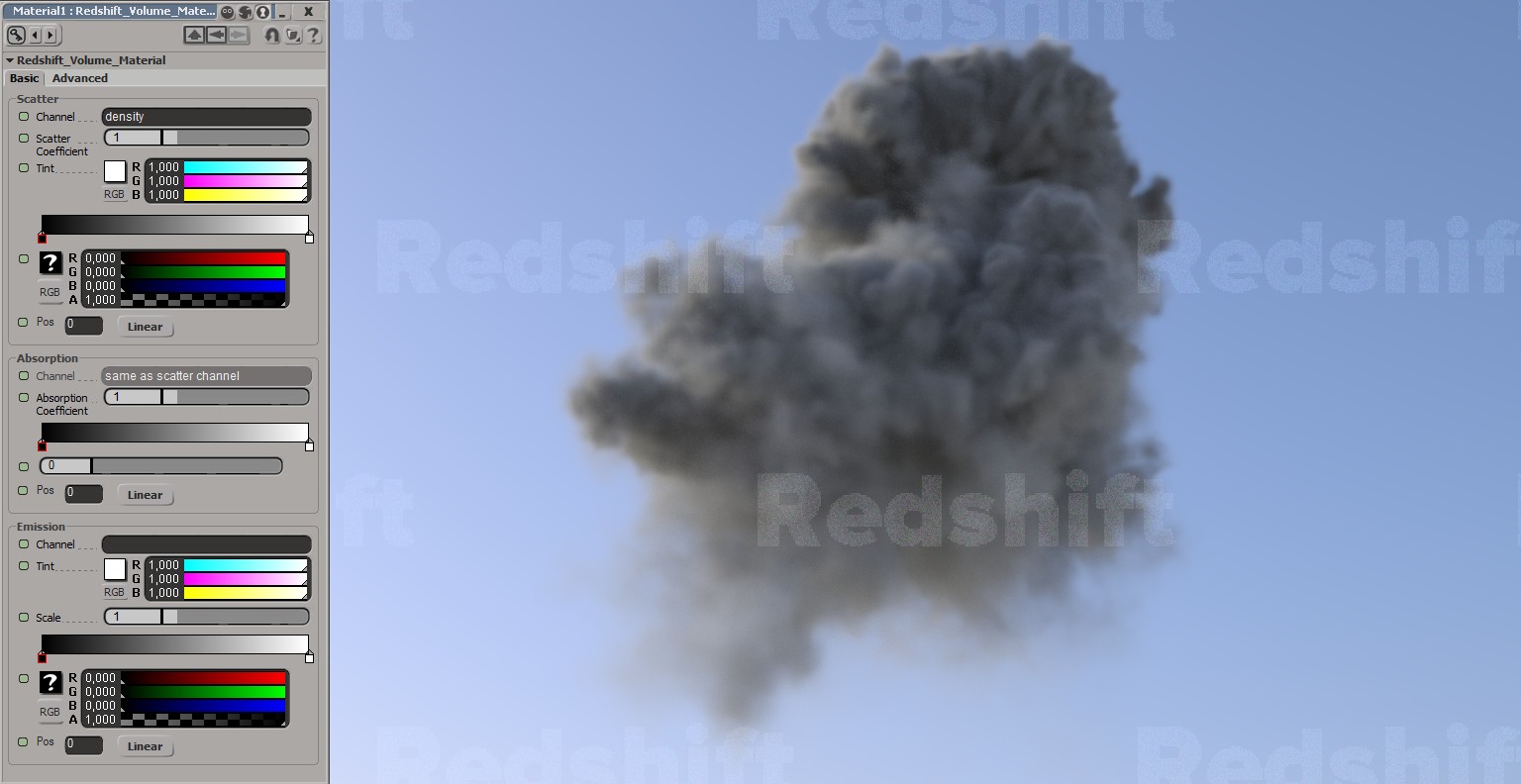
Each of these renders took about 10 seconds on my nVidia Geforce GTX 970. Mind you this is not a powerful GPU anymore! According to preliminary tests GTX 1080 is twice as fast! Put four of those babies inside one big tower, grab a copy of Redshift and you've got your very own render farm that can render anything and fast! At least that's what I will do when the time comes to render the movie out.
Well, it's official. Redshift renderer is the best GPU rendering engine on the market! Well done guys!
And let me also thank Redshift team for supporting Softimage folk. You guys deserve a medal for this.

Redshift v2 demo available
After a long period of beta-testing version 2.0.44 of Redshift has finally been made available for everyone to try and play with.

If you don't know what Redshift3D is, it's a biased GPU renderer unlike many other GPU path tracers out there. To put it simply - it's like a supercharged VRay with all biased goodness like irradiance caching, photon mapping and precalculated SSS. Together with the new OpenVDB support it all makes Redshift a blast to work with.
Literally.
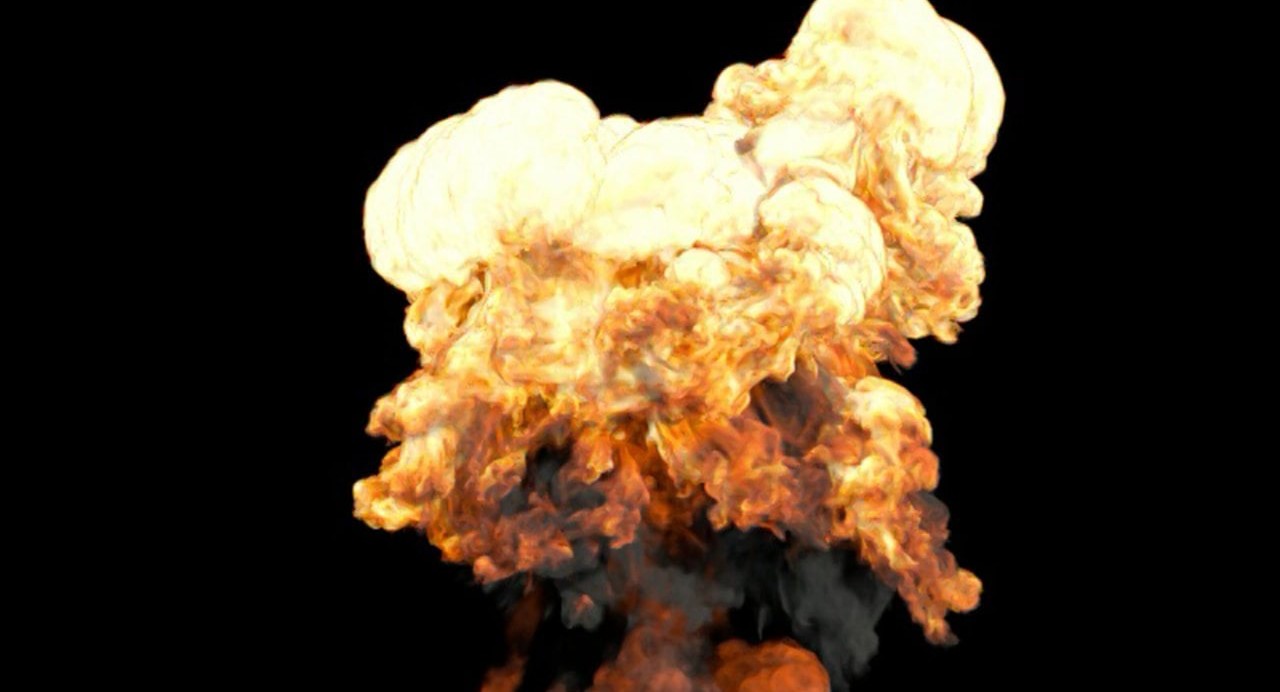
Here's what's new in 2.0 VS 1.3:
All V1.3 features PLUS:
- New “Redshift Material” which more closely follows the PBR paradigms (“metalness”, etc)
- New specular BRDFs (on top of the Ashikhmin-Shirley): GGX and Beckmann (Cook-Torrance)
- Nested dielectrics
- Multiple dome lights
- Baking
- Dispersion (part of the Redshift Material)
- OpenVDB Support
- Improved multiple-scattering model (part of the SSS, Skin and Redshift Material)
- Single scattering (part of the Redshift Material)
- Support for alSurface shader
- Linear specular glossiness/roughness response
- Improved photon mapping accuracy for complex materials
- Physically-correct Fresnel for rough reflections
- New SubSurfaceScattering and SubSurfaceScatteringRaw AOV types
- AOV improvements for blended materials
- NVidia Pascal GPU (GTX1070/1080) support
- Automatic memory management
- Better importance sampling of bokeh images
- Texture reference object support (Maya)
You can join the discussion on the official Redshift forums.