How to Play Doom and Doom II Like You Would on a Compaq LTE 5000 Series Laptop From the 1990s
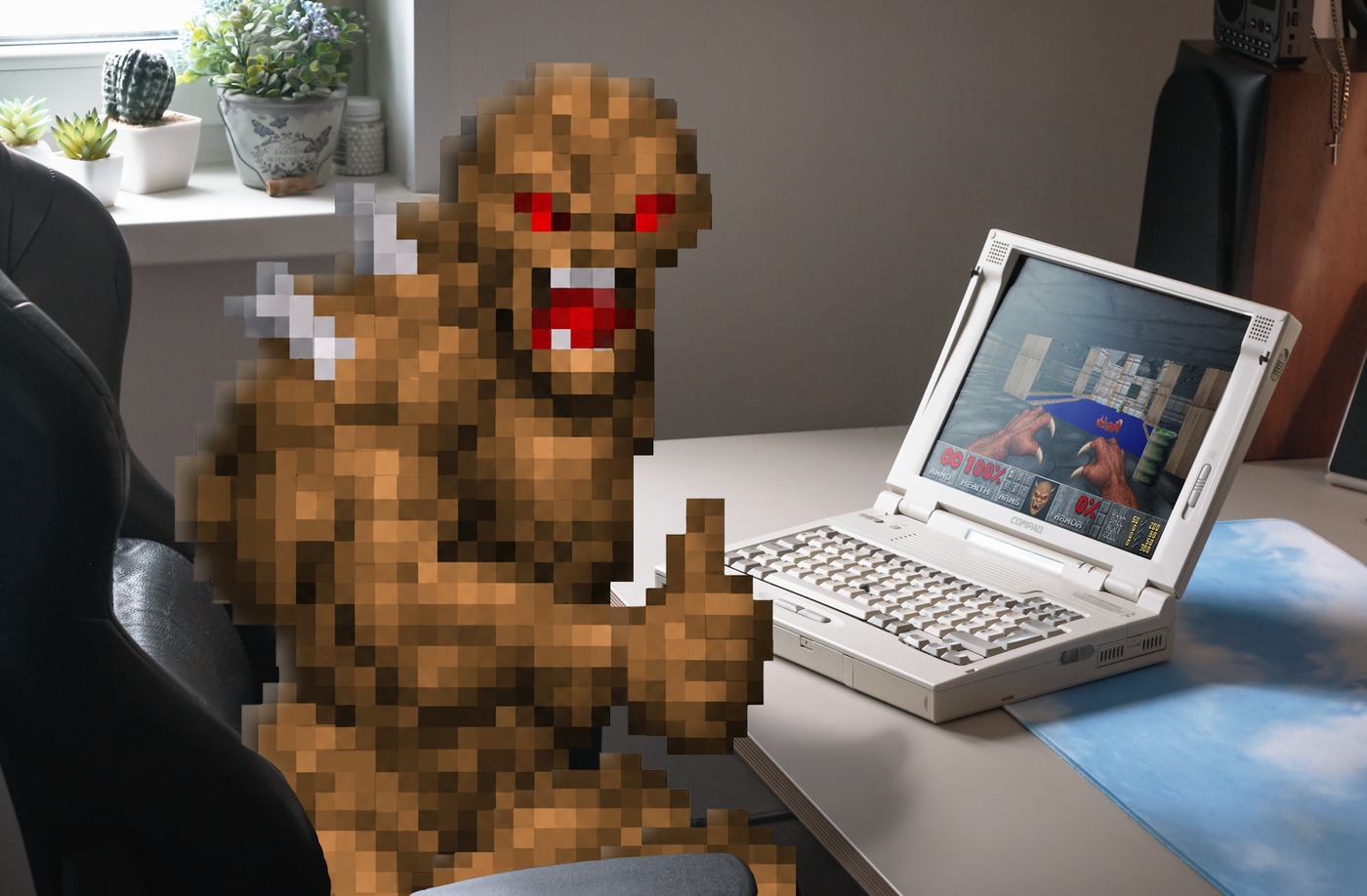
As unlikely as it sounds for a millennial, until recently, I had never actually played through either the original 1993 Doom or its 1994 sequel, Doom II: Hell on Earth.
My one real experience with Doom came way back in 2008, through a random Flash demo I stumbled across online, where Adobe was using Doom to showcase how C code could be executed inside an Adobe Flash file. It was the original shareware Doom game running at a smooth frame rate, in the browser, made possible thanks to Adobe Alchemy (also known as CrossBridge) — a short-lived C/C++ compiler for the ActionScript Virtual Machine that Adobe retired along with Flash.
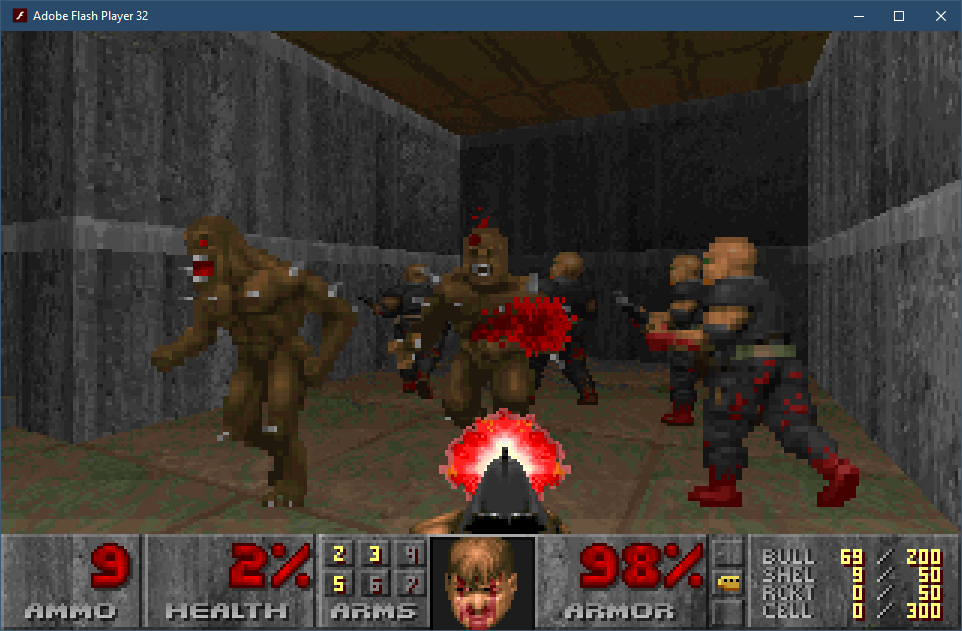
The demo had no music or mouselook, and the aspect ratio was incorrect, but I didn't care. I was too curious to see how far I could get, and eventually managed to finish the only episode available in that shareware release: "Knee-Deep in the Dead". And well, that was enough to give me the gist of what the original Doom was about, which is why I never bothered with the full retail version.
I inadvertently became the exact kind of player John Carmack had been talking about in his 1999 interview with Doomworld, where he explained why Doom II was released as a commercial game rather than as shareware like its predecessor:
"A lot of people consider themselves to have 'finished DOOM' when they just finished the shareware episode".
A Serendipitous Find
Fast-forward eighteen years to September 2026.
One day, on a sunny afternoon, I was scrolling through the classifieds when I stumbled upon a gorgeously preserved retro laptop. I had long dreamed of owning a classic "beige box" from the Windows 95/DOS era, but all the listings I had come across before were either yellowed, tired-looking desktop PCs, laptops based on 486-class processors (slow, DOS-only machines), or portable computers from the Windows 98 era — dull, worn-out dark-gray rectangles with no real charm or character.
Growing up, I never owned a Windows 95-era computer. My own experience with PC gaming began with visits to a friend's house, where his dad's PC became my gateway to Diablo, Fallout, Carmageddon, and some other classics. My first personal computer, meanwhile, was a much more modern 800 MHz Pentium III with 128 MB of RAM, designed to run Windows 98.
Seeing that retro laptop in the listing brought back memories of all the good old DOS and Win95 games I grew up playing. And it felt like the perfect opportunity to accomplish two things: acquire a marvelous vintage laptop and use it to beat the original Doom and Doom II: Hell on Earth on period-appropriate hardware.
I bought it almost immediately.
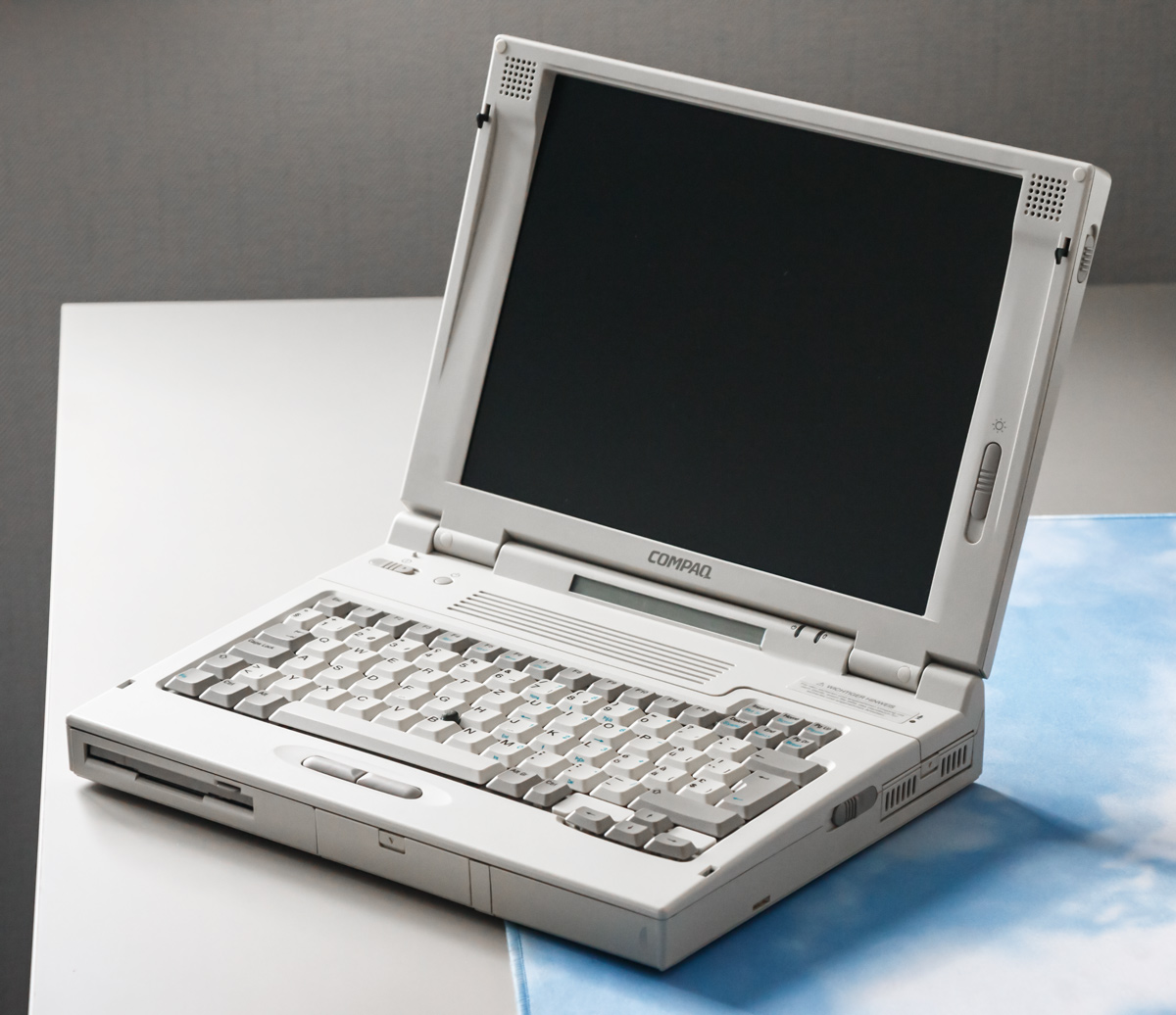
Here it is, in its full retro glory — the Compaq LTE 5400.
On Windows 10 Support EOL
The end of support for Windows 10 updates and the aggressive push from Microsoft to force users to upgrade to Windows 11 (which is apparently "incompatible" with tons of perfectly fine computers) reminded me of a certain gem from a bygone era. I bet you've never seen it, as it was a rather obscure parody of the Rolling Stones' "Start Me Up".
“Bought It Up” was a spoof of that track, and one of several parodies and jokes spawned by Microsoft’s relentless use of the "Start Me Up" slogan during the Windows 95 launch in 1995. Windows 3.1 users who got suckered into purchasing a copy of the new OS quickly grew frustrated with its requirements and the resulting upgrade costs.
This song was later animated and shared on the forums as a Macromedia Flash (SWF) movie. Remember those? Yes, Macromedia, which Adobe gobbled up much later, in 2005. So technically this one is from the OG era of Flash. Ah, memories…
Here's the original SWF file if you need it. You can play it using Ruffle, an open source Flash Player emulator.
Just a random piece of the early internet humor culture for ya. Guess history does repeat itself, who would've known, lol.
How to Survive Without a Numpad. Alt ♫ Code ☼ Emulation ♥ on Tenkeyless (TKL) and Laptop Keyboards With Autohotkey, the "Unix Way"
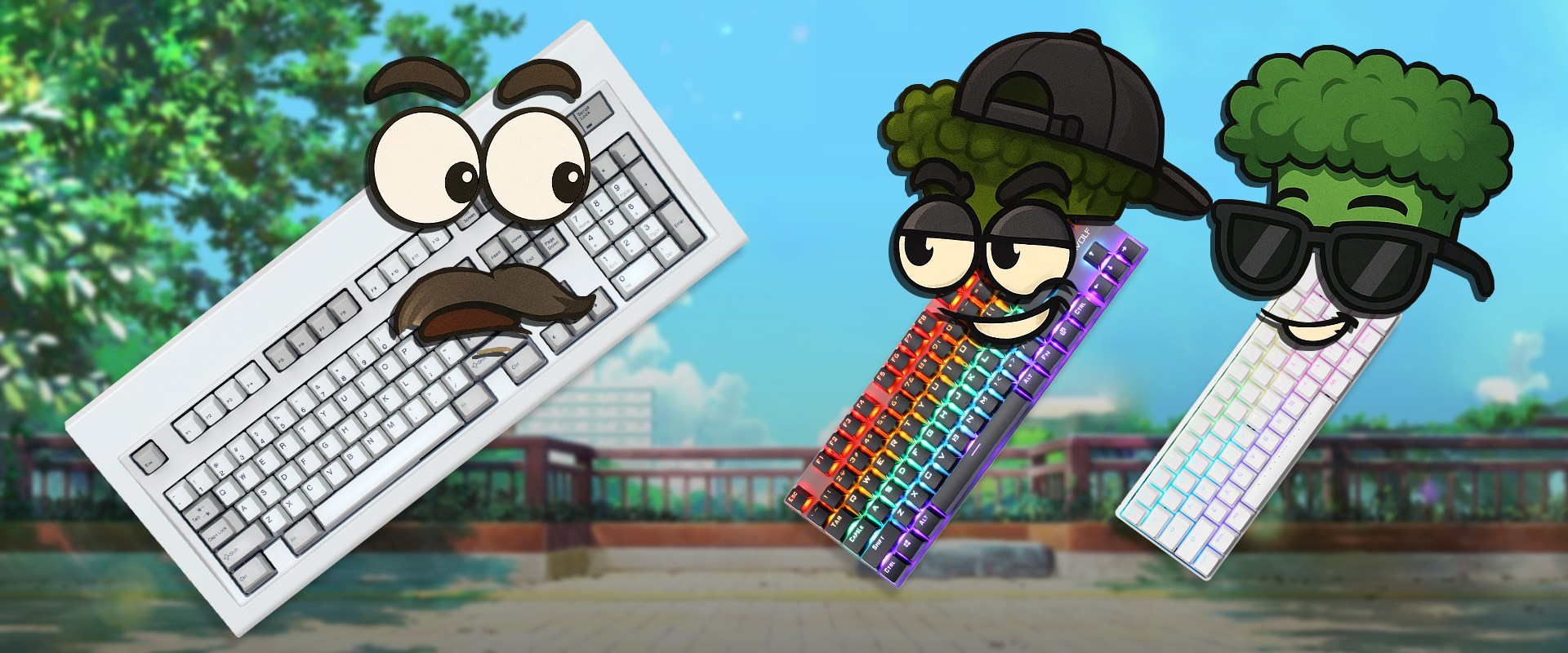
I've recently obtained an extremely hard-to-find retro keyboard I'd always wanted.
It's one of those models with tactile mechanical switches, but not the deafeningly loud buckling spring ones. It both looks majestic and can actually be used on a modern PC thanks to its USB 1.0 interface.
Take a look. It's glorious!
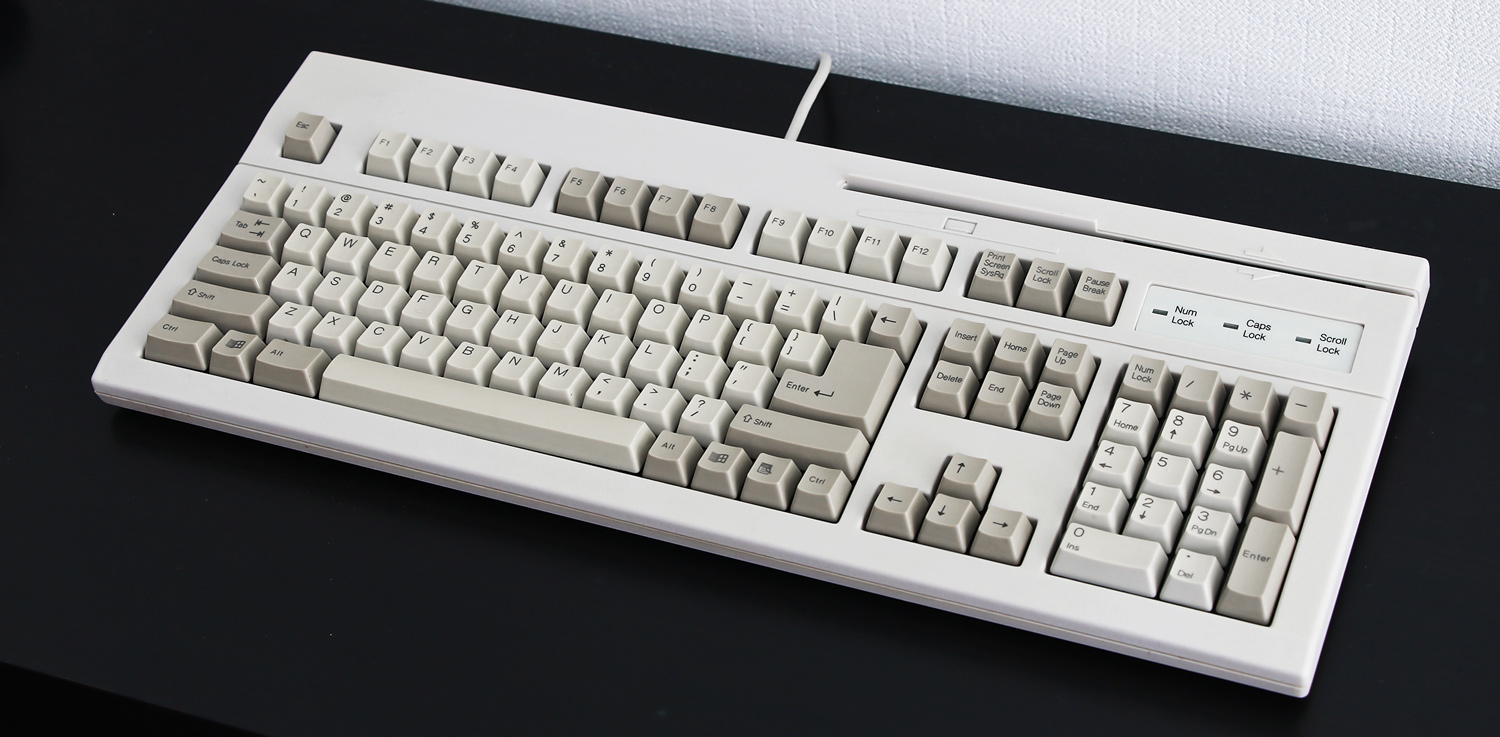
Typing on it brings back memories of the old-school terminal computers, and the time when I typed my first words on a similar mechanical, solidly built keyboard. Which might explain why I have come to love expressing my thoughts through writing so much.
Ahem, anyway… There is just one tiny little issue with this keyboard. Coming from the early 2000's it completely lacks n-key rollover. Which makes it entirely unsuitable for gaming or any other applications where you're expected to press and/or hold several non-modifier keys simultaneously.
Think "WASD" 1st person shooter controls. That's not possible on a "retro" keyboard. And neither is something like this:
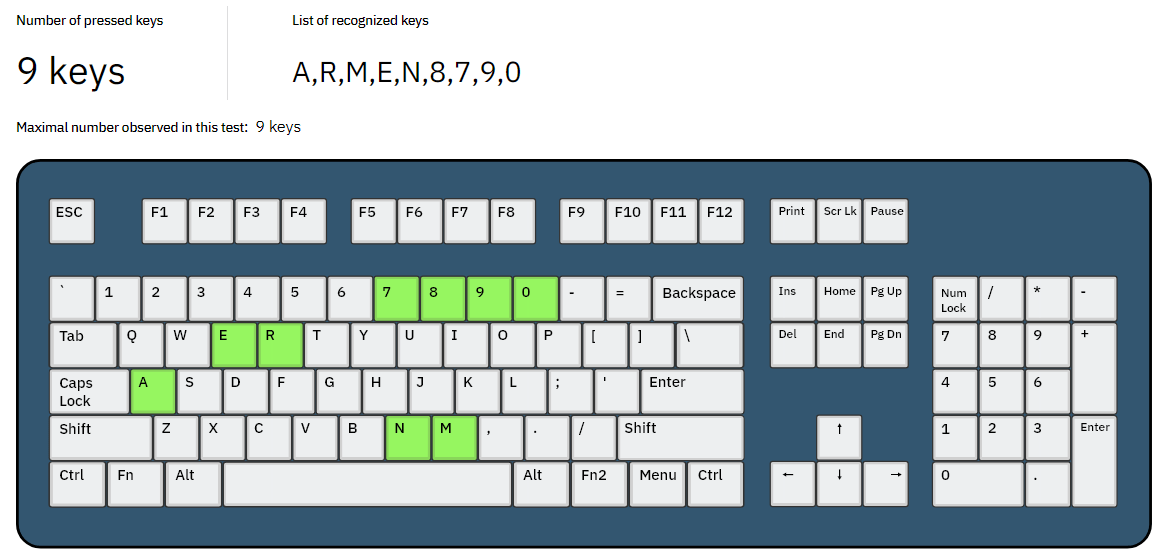
BTW, you can test your keyboard's rollover capabilities here.
I don't game much on my main PC, instead usually going for either one of my consoles or a fairly powerful guest-room laptop, which are all connected to a projector. So it's not really an issue. But I would like to have an option to make use of my monstrous RTX 4080 not just for rendering, video editing/encoding and running CUDA-accelerated apps, but for gaming also.
Consequently, I decided to get one of those compact wireless/wired "gaming" mechanical keyboards that are all the rage right now.
My Little Keyboards, My Little Keyboards...
After an extensive research, initial confusion and even shock, I landed on these two cuties. They both look so retro and slick, that I had to get both. Don't you judge me.
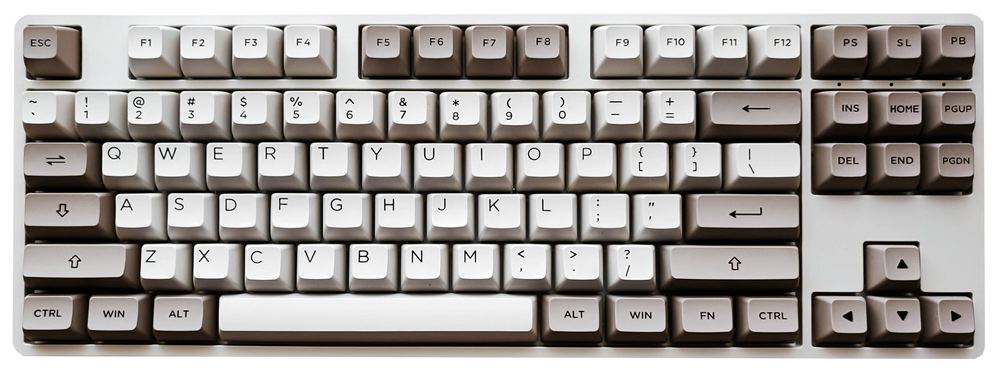
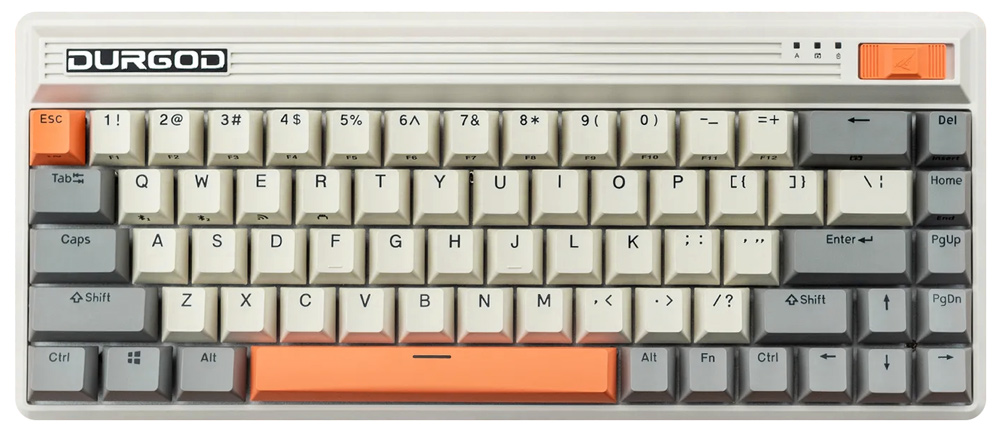
And if you look closely enough, you might notice that they both lack a numpad!