Unity and Unreal Engine: Real-Time Rendering VS Traditional 3DCG Rendering Approach
(Revised and updated as of June 2020)
Preamble
Before reading any further, please find the time to watch these. I promise, you won't regret it:
Now let's analyze what we just saw and make some important decisions. Let's begin with how all of this could be achieved with a "traditional" 3D CG approach and why it might not be the best path to follow in the year 2020 and up.
The Linear Pipeline and The One Man Crew Problem
I touched upon this topic in one of my previous posts.
The "traditional" 3D CG-animated movie production pipeline is quite complicated. Setting aside pre-production and animation/modeling/shading stages, an A-grade animated film treats every camera angle as a "shot" and these shots differ a lot in requirements. Most of the time, character and environment maps and even rigs must be tailored specifically for each shot.
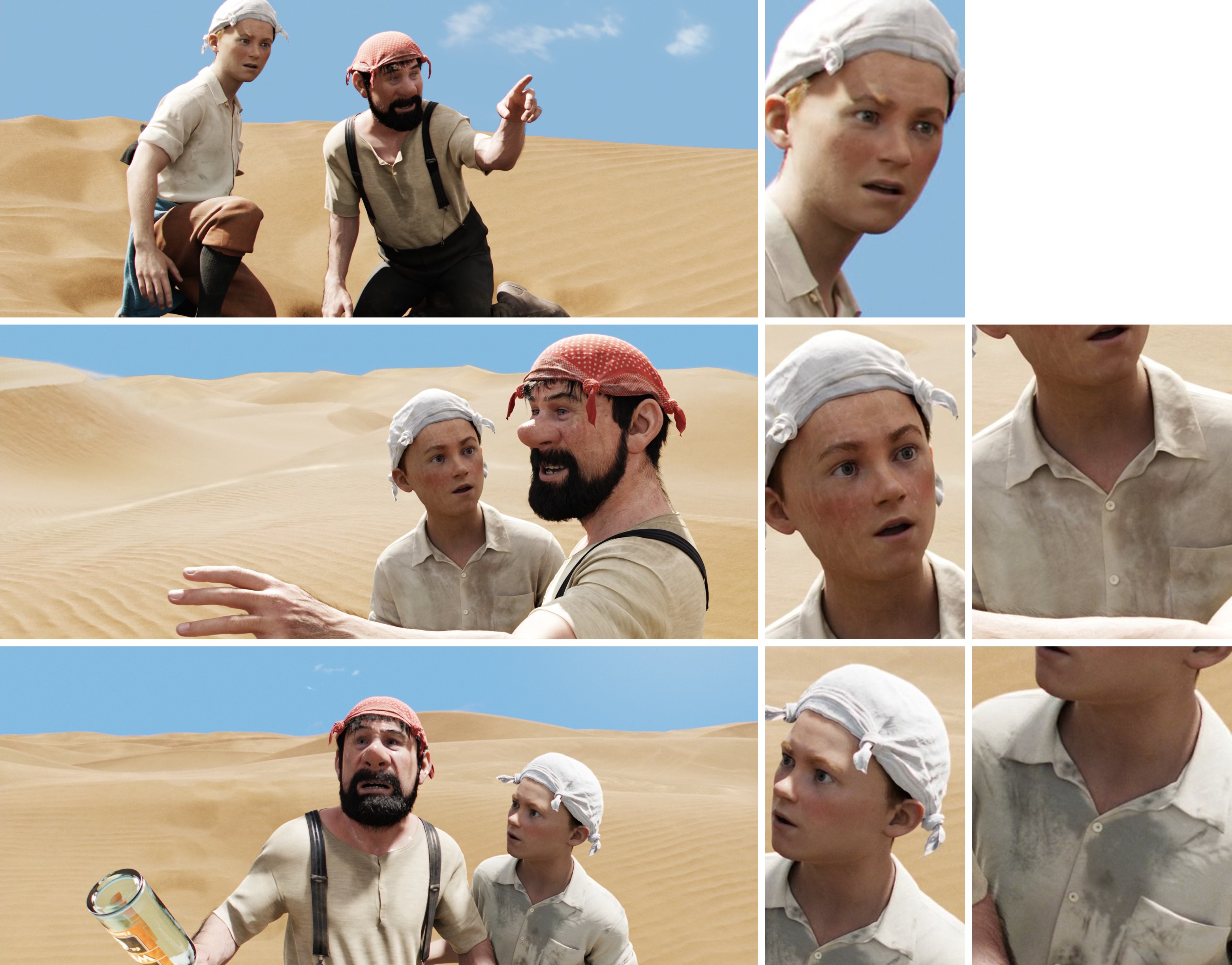 Shot-to-shot character shading differences in the same scene in The Adventures of Tintin (2011)
For example, if a shot features a close-up of a character's face, there is no need to subdivide the character's body each frame or feed it to the renderer. However, this does mean the facial rig requires more controls, and the face probably needs one or two additional triangles plus a few extra animation controls/blendshapes, along with displacement/normal maps for wrinkles and other details.
The fundamental issue is that the traditional pipeline is inherently linear.
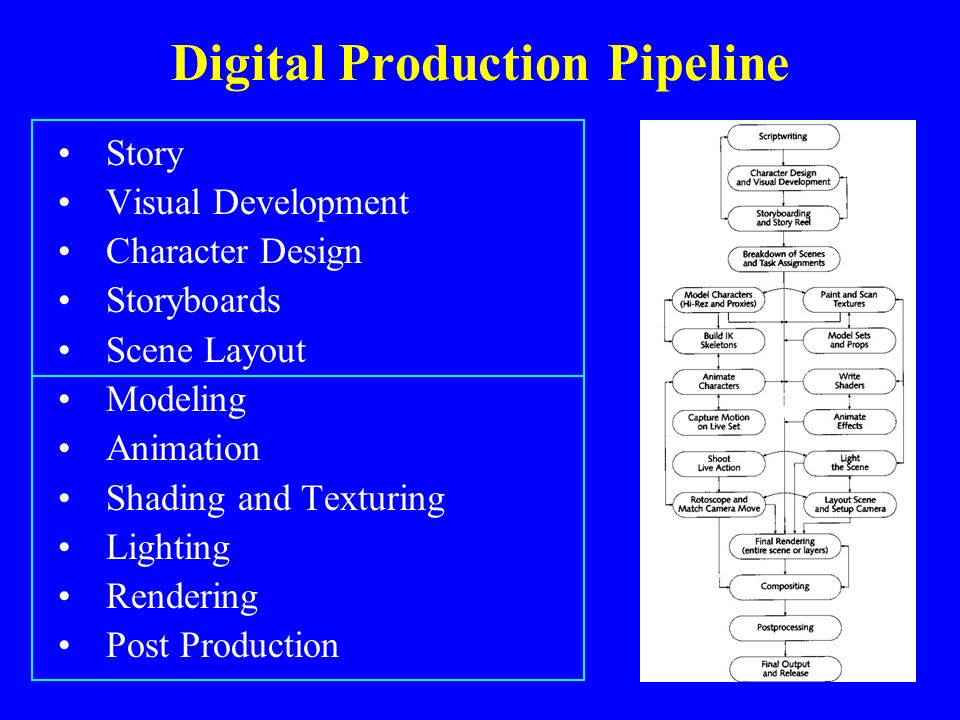
As a result, you will only see true production-quality images very late in the production process. This is especially true if you rely on path-tracing render engines and lack the compute power to render hundreds of frames at scale. After all, this is an animated feature running at 24 frames per second. For a short 8-plus-minute film, that translates to more than 12,000 still frames. And they aren't straight-out-of-the-renderer beauty shots. Each final frame is a composite of several separate render passes, plus special effects and other elements layered on top.
Now imagine that at a later stage of the production you or the director decides to make adjustments. Well, shit. All of those comps you rendered out and polished in AE or Nuke? Worthless. Update your scenes, re-bake your simulations and render, render, render those passes all over again. Then comp. Then post.
Sounds fun, no?
You can imagine how much time it would take one illiterate amateur to plan and carry out all of the shots in such a manner. It would be just silly to attempt such a feat.
Therefore, the bar of what I consider acceptable given the resources available at my disposal keeps getting...
Lower.
There! I finally said it! It's called reality check, okay? It's a good thing. Admitting you have a problem is the first step towards a solution, right?
Right!?..
 Oups, wrong picture
All is not lost and it's certainly not the time to give up.
Am I still going to make use of Blend Shapes to improve facial animation? Absolutely, since animation is the most important aspect of any animated film.
But am I going to do realistic fluid simulation for large bodies of water (ocean and ocean shore in my case)? No. Not any more. I'll settle for procedural Tessendorf Waves. Like in this RND I did some time ago:
Will I go over-the-top with cloth simulation for characters in all scenes? Nope. It's surprising how often you can get away with skinned or bone-rigged clothes instead of actually simulating those or even make use of real-time solvers on mid-poly meshes without even caching the results... But now I'm getting a bit ahead of myself...
Luckily, there is a way to introduce the "fun" factor back into the process!
And the contemporary off-the-shelf game engines may provide a solution.
Film Production and The Upcoming Blog Post Series
As promised, I am doing my best to document each and every step of the process of short animated film production (for archival purposes, of course. After all, no one should ever take some weekend scientist's ramblings seriously).
Therefore, I'm starting a series of blog posts under the "Production" category, which I will gradually fill with new articles along the way.
Preliminaries
Film production is not a new experience for me. I've produced and directed several short films and a couple of music videos over the years with my trusty line of Canon EOS cameras, starting with the very first entry-level EOS 550D, which was capable of recording full HD 24p video.
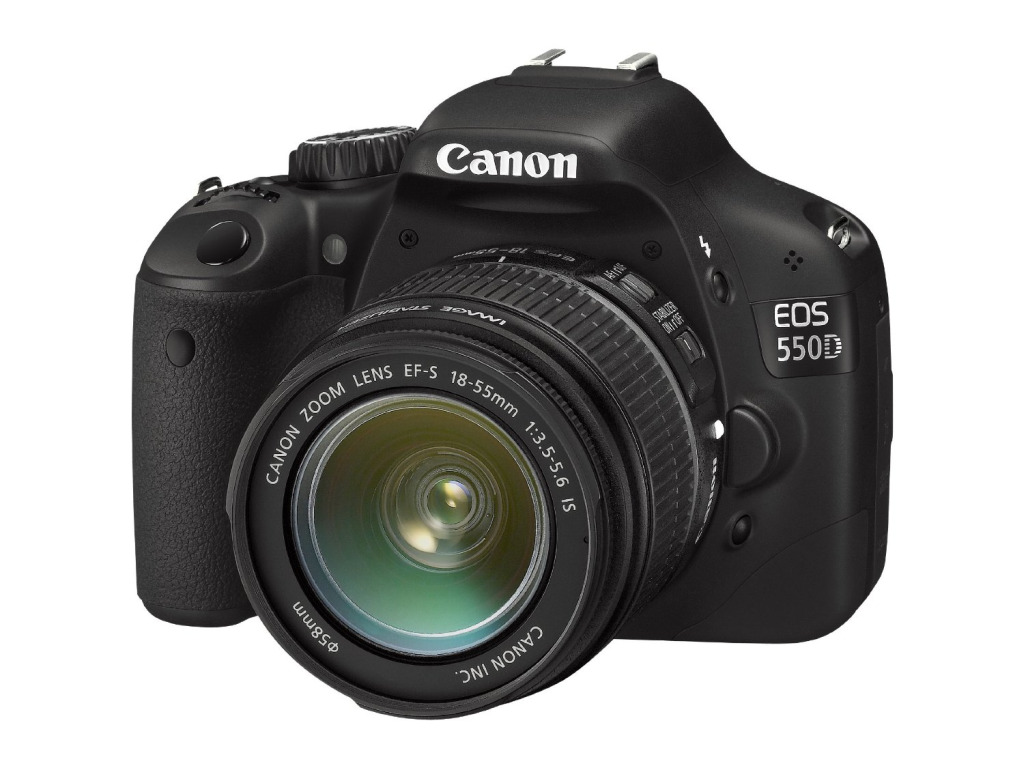
It has long since been superseded by a series of upgrades, culminating in my current setup: the EOS 750D running Cinestyle Profile and the Magic Lantern firmware hack.
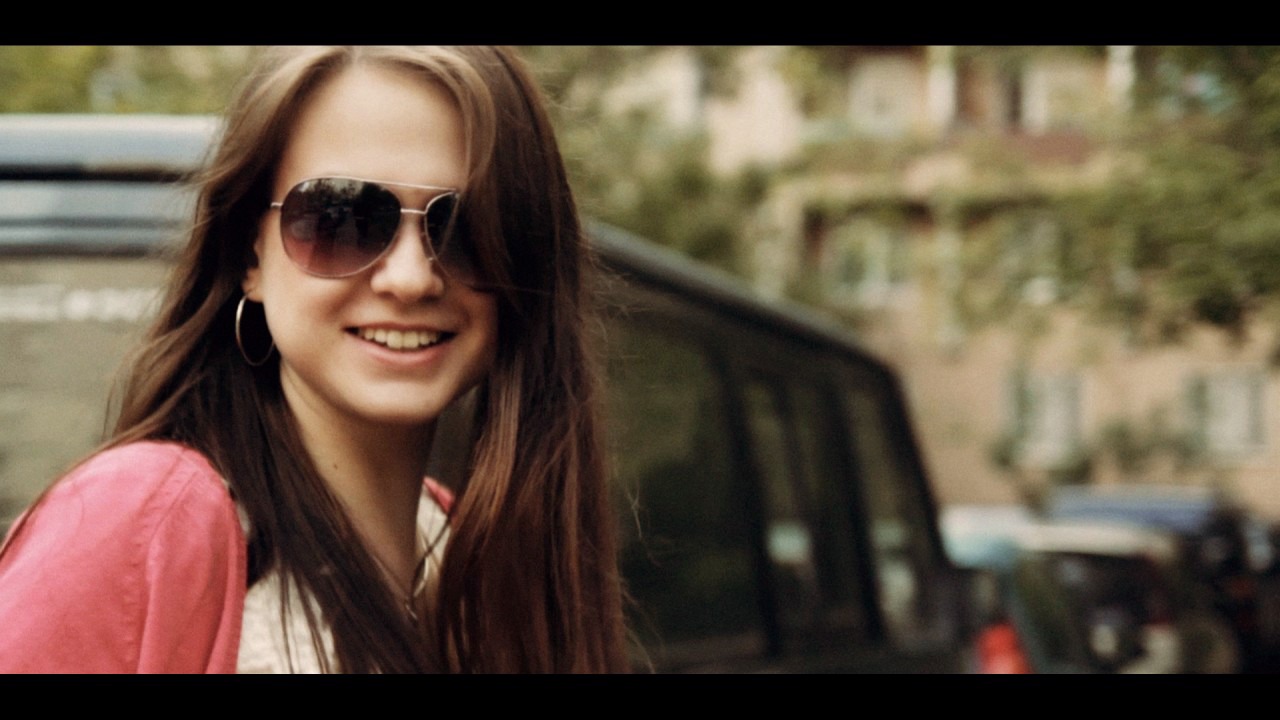
I have quite a bit of experience working with various cameras, including rentals like RED and Blackmagic, along with the associated gear: all kinds of lenses, steadicams, cranes, mics, and so on.
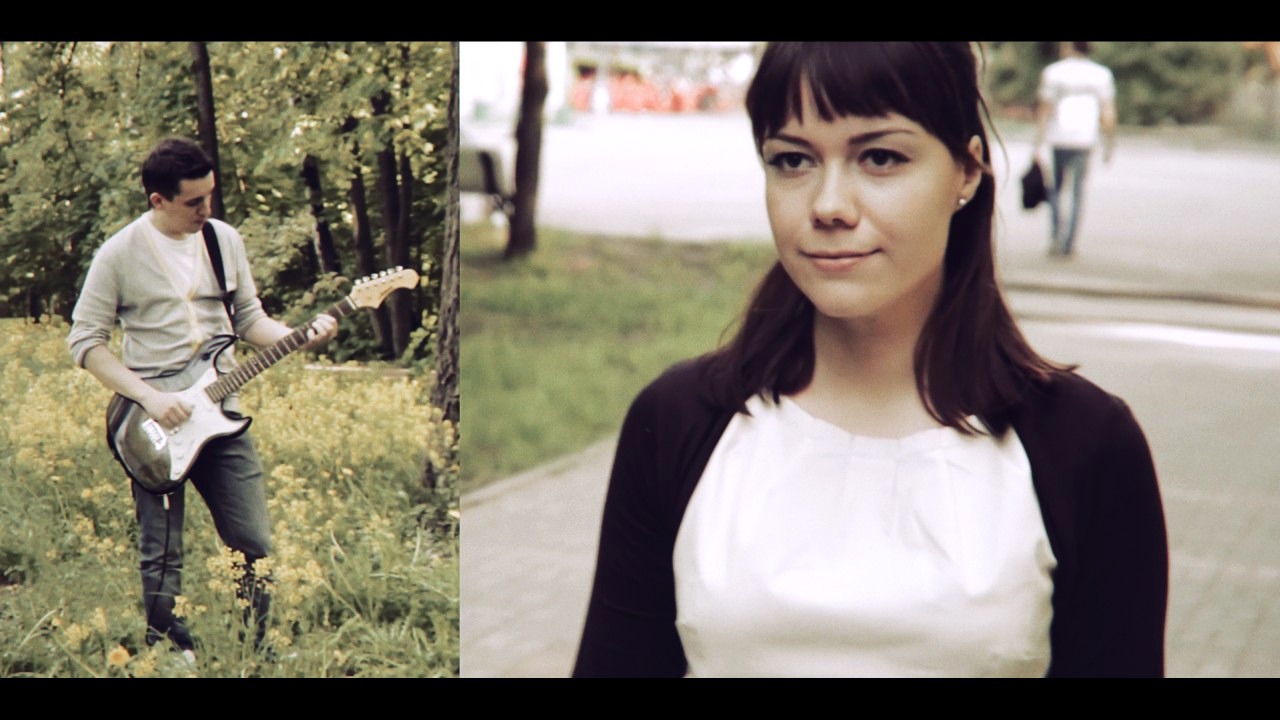
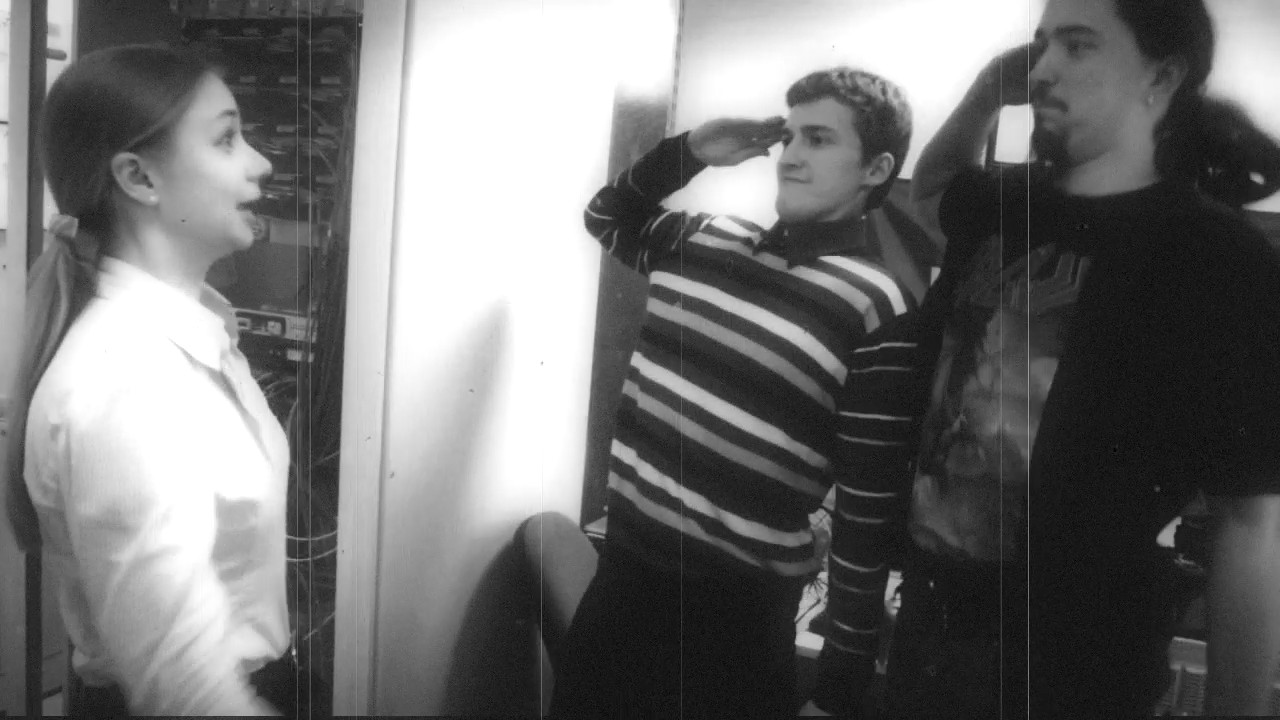
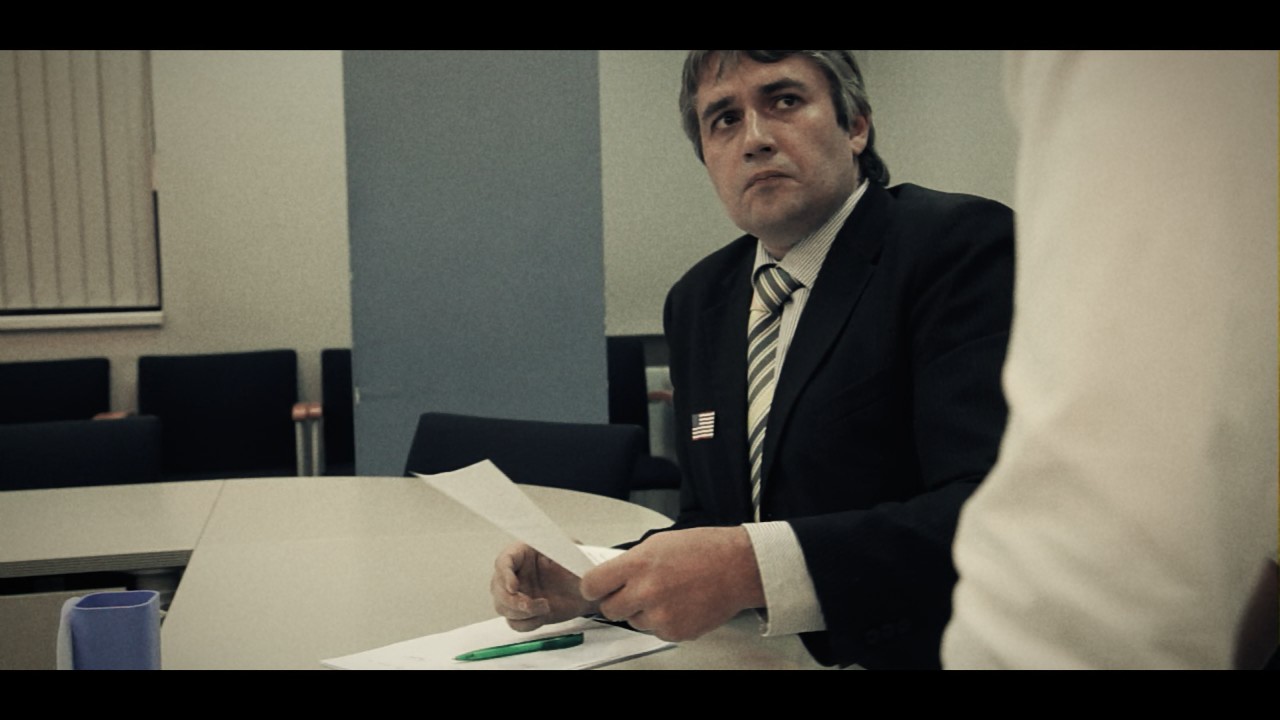

In short, I produced a few stories, which eventually led to a series of videos for a client requiring a massive amount of planar and 3D camera tracking, chroma-keying, rig removal, and finally, the introduction of CG elements into footage. It felt like a baptism of fire, and in the end, that experience made me fall in love with VFX and ultimately — 3D CGI.
Now what does this have to do with the topic of pure CG film production?
How and why it's different
In traditional cinema, you write the script, plan your shots, gather actors and crew, scout locations, then shoot your takes and edit and post-process repeatedly until you're done. You usually end up with plenty of footage available for editing if you plan ahead well. This is how I've been doing my films and other videos for a long time.
Animated feature production is vastly different from traditional "in-camera" deal. Even if we are talking about movies with a heavy dose of CGI (Transformers, anyone?), it's not quite the same, because even in those cases you're mostly dealing with already-shot footage, whereas in CG-only productions there's no such foundation. Everything has to be created from scratch. Duh!
The first CG-only "animation" I have produced to date is a trailer for my iOS game Run and Rock-it Kristie:
Here, I had to adapt my workflow a bit, but even so, 80% of the footage came from three specific locations within the game that I built specifically for the trailer. Basically, the trailer was "shot" using a modified in-game follow-camera rig, providing plenty of footage available for me to edit afterwards.
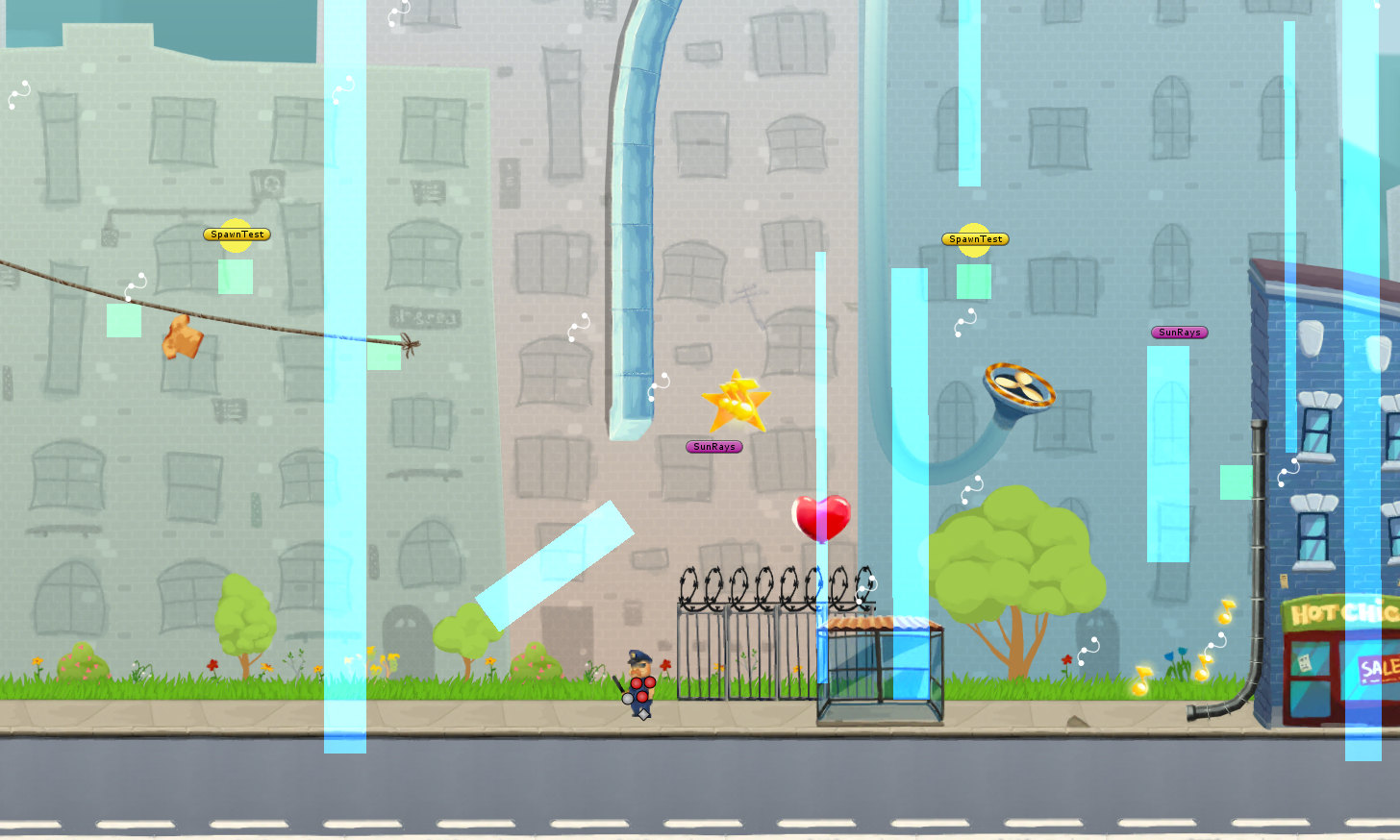
In a way, it was quite close to what I had grown accustomed to over the years.
The process
As soon as you decide to go full retard CG, boy oh boy, you are in trouble.
Since I'm not experienced enough in the field of animated CG production, I'll hand it over to DreamWorks and their gang of adorable penguins from Madagascar to describe in detail what it takes to produce an animated film:
Wow, that's a lot of production steps...
So in the long run, you are free to create your own worlds, creatures, and set up stories and shots completely the way you want them to be. The possibilities are limitless. The pay-off is obviously a much more complicated production process which calls for lots of things one often takes for granted when shooting with a camera: people, movement, environments and locations, weather effects, and many more objects and phenomena that are either already available for you to capture on film or can be created either in-camera, on set, or in post.
Hell, even when it comes to camera work: if you don't have access to the sweet tech that James Cameron and Steven Spielberg use when "shooting" their animated features (Avatar and The Adventures of Tintin: The Secret of the Unicorn, respectively), you'll have to animate the camera in your DCC or shoot and track real camera footage for that sweet handheld or Steadicam look.
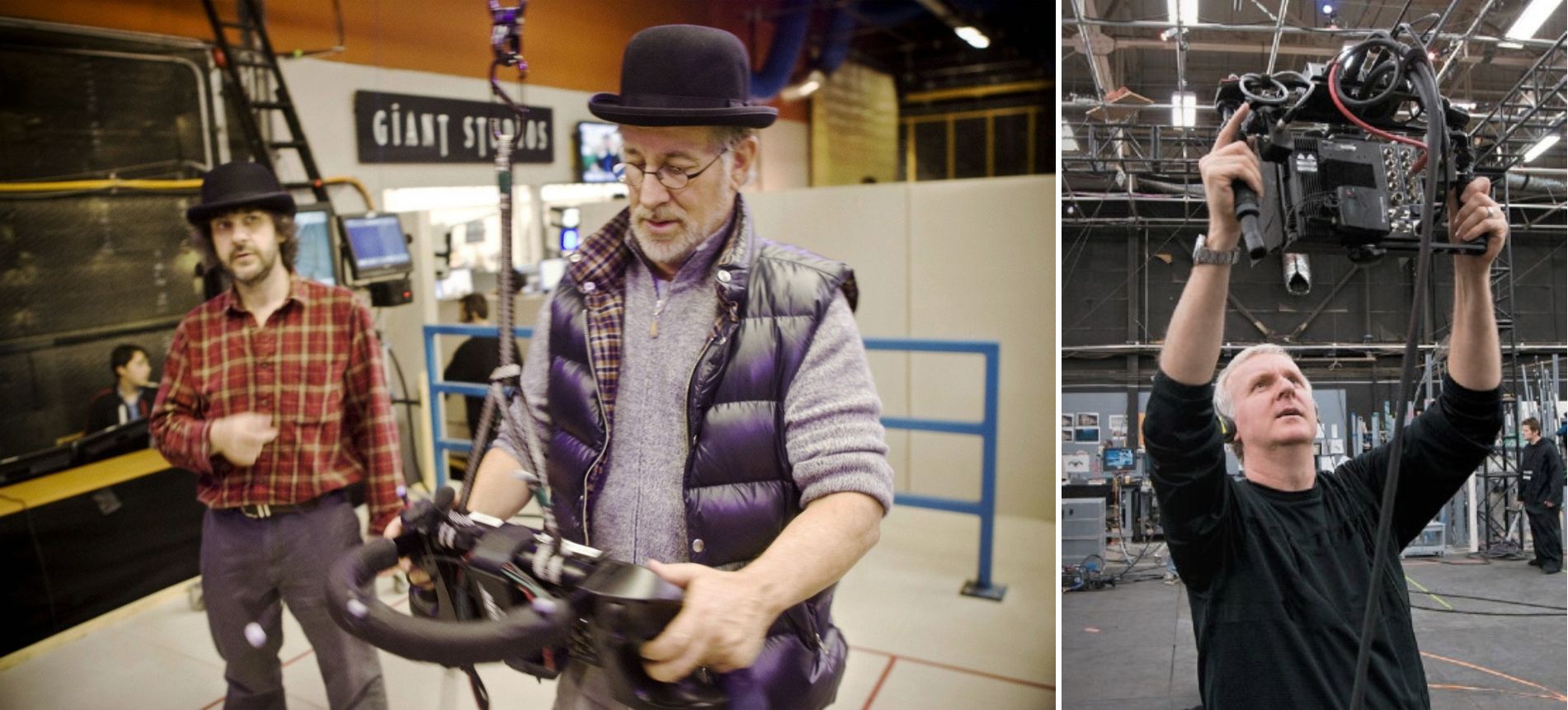
Scared yet?
So, all things considered, I should probably feel overwhelmed and terrified by what lies ahead. Right?
Nope.
It is just one project. And as a project manager, I thrive on challenges and always view every complication as a chance to learn new skills while seeing each and every project through to the end. This one will be no different.
Thank you for reading and stay tuned!