The games are over. It's previz time
All right, gang. As the title suggests, the games are over and I'm officially working on a previz (previsualization) of my upcoming short film.
The way I see it, and judging by how the big studios are doing it, the first thing to do is a very basic 2D-previz which would allow to estimate scene and event timings and check whether the whole story "works". I've already done this using GIMP and then edited all segments together in After Effects.
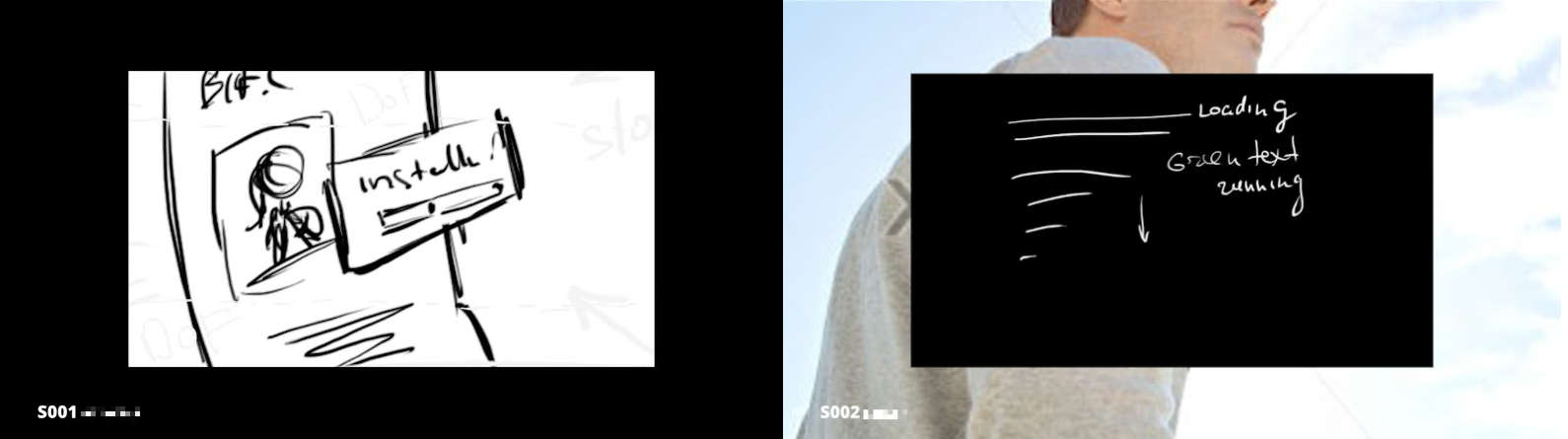
Coupled with the soundtrack I've composed together with a talented music producer, I finally "saw" the whole thing "outside of my own head". And it works! The story, the tempo, the camera angles - just like I originally imagined them. Now it's time to bring the whole thing to life.
I'm currently in the process of redoing the previz in 3D as can be seen from the screenshot below. This will help polish timings further and see actual animated camera and character movement, which is uber-cool.
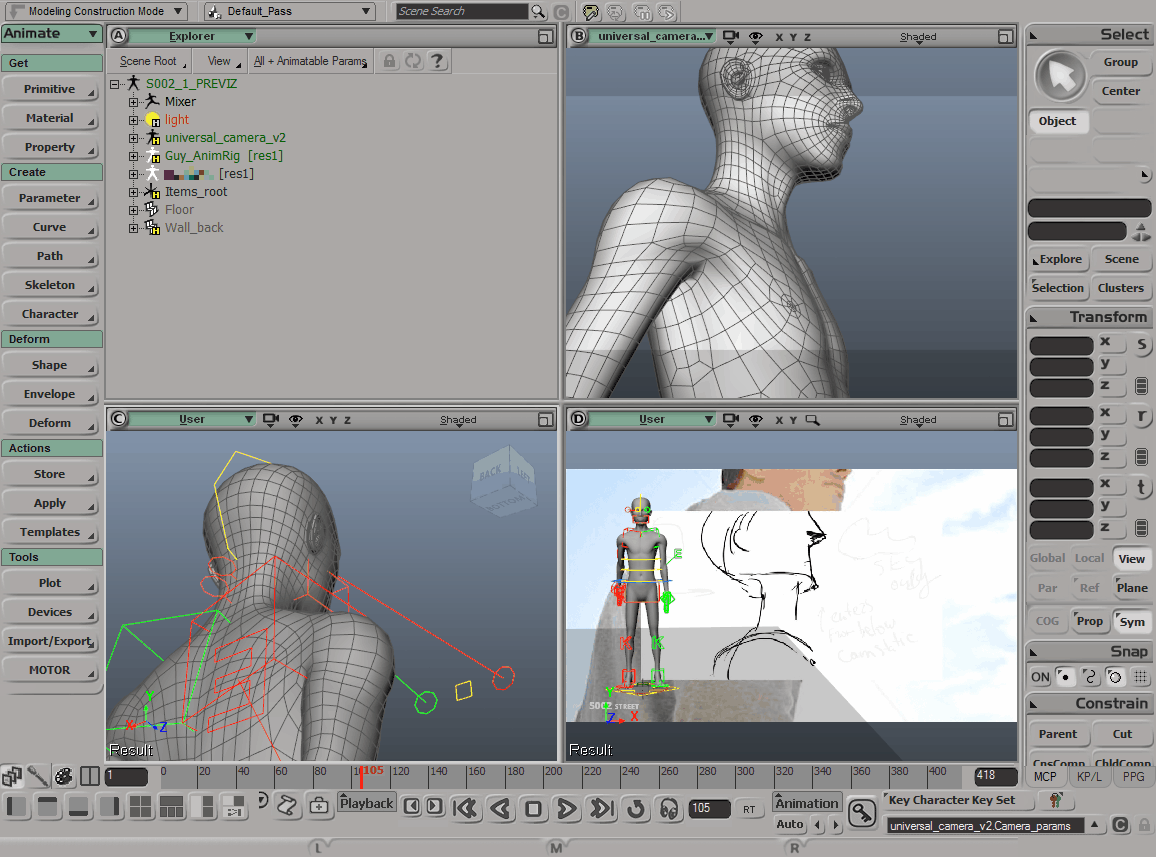
For character rigging I am using the wonderful Exocortex Species tool-set. It will allow me to not only generate MoCap and manual animation-ready rigs from my production geometry with a click of a button, but also quickly create previz-ready characters which is a true blessing.
I will be talking more about Species as I go along.
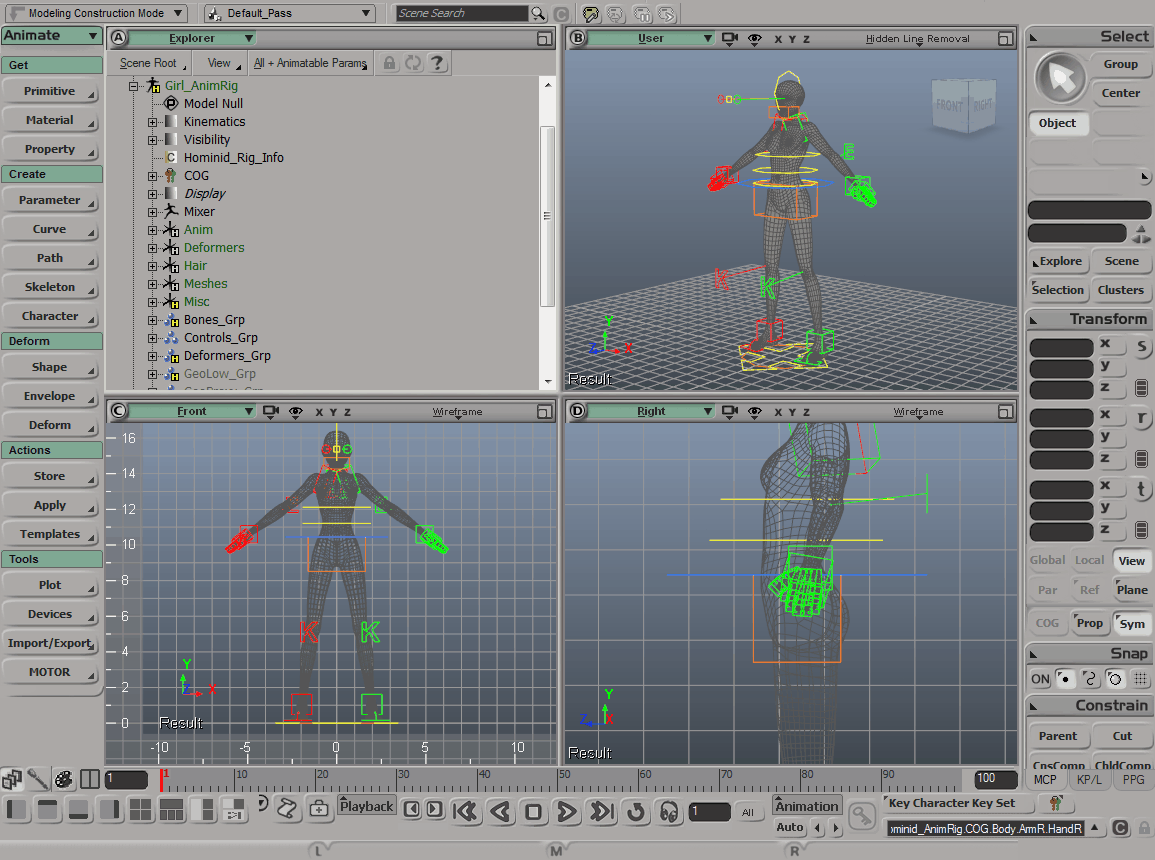
And yes, the whole movie, every single scene, animation and 3D special effect will be done with one and only Softimage and rendered out with Redshift. For compositing and editing I will use After Effects CS6 that I was also able to license a couple months before the whole monthly subscription thing came along, which I'm not very fond of. But I digress.
It is on, is what I'm saying.
It. Is. On.
Quick review and test of the Perception Neuron Lite MoCap system
Noitom specializes in affordable inertial motion capture devices and software, specifically their own line of MoCap systems called Perception Neuron.
Yesterday I finally received my Perception Neuron Lite kit which is a 6-neuron system for those who want to interact with 3D objects in a virtual reality headset or are just looking to try out Perception Neuron before investing into a complete 18- or 32-neuron kits. I was interested in Noitom tech since the first days they started their Kickstarter campaign back in 2014, so it's only natural I jumped the bandwagon and ordered one as soon as the opportunity presented itself.
This is what arrived with the order and what I'll briefly review:
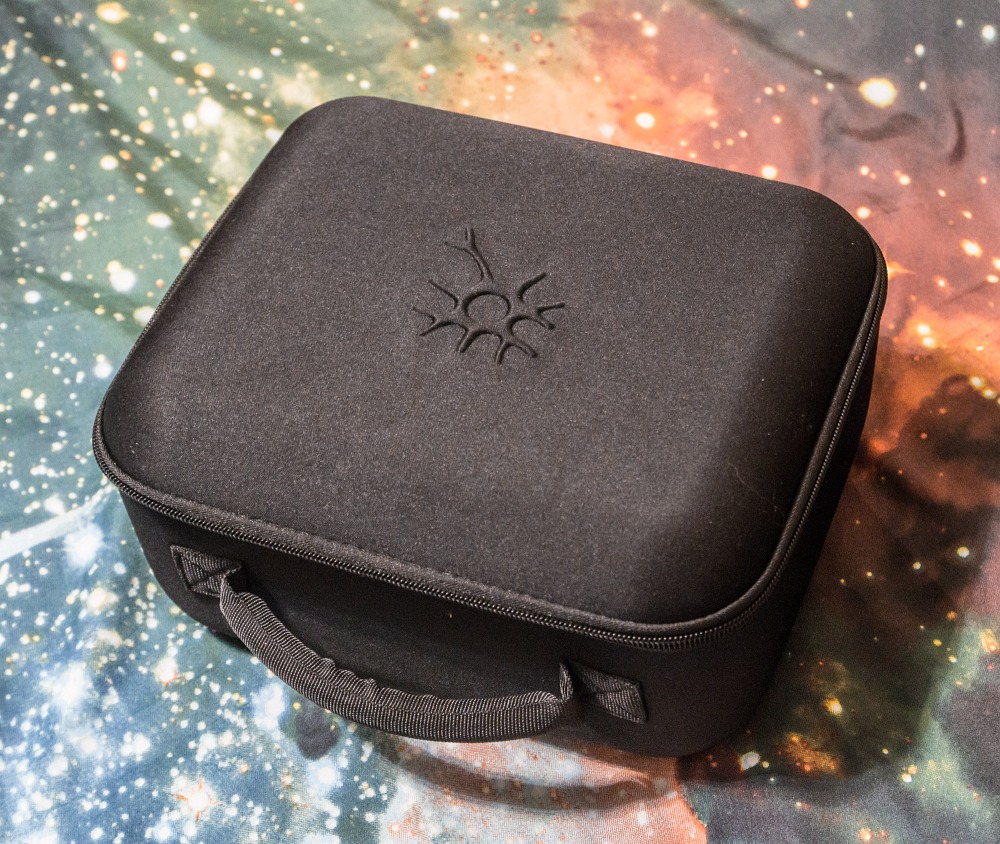
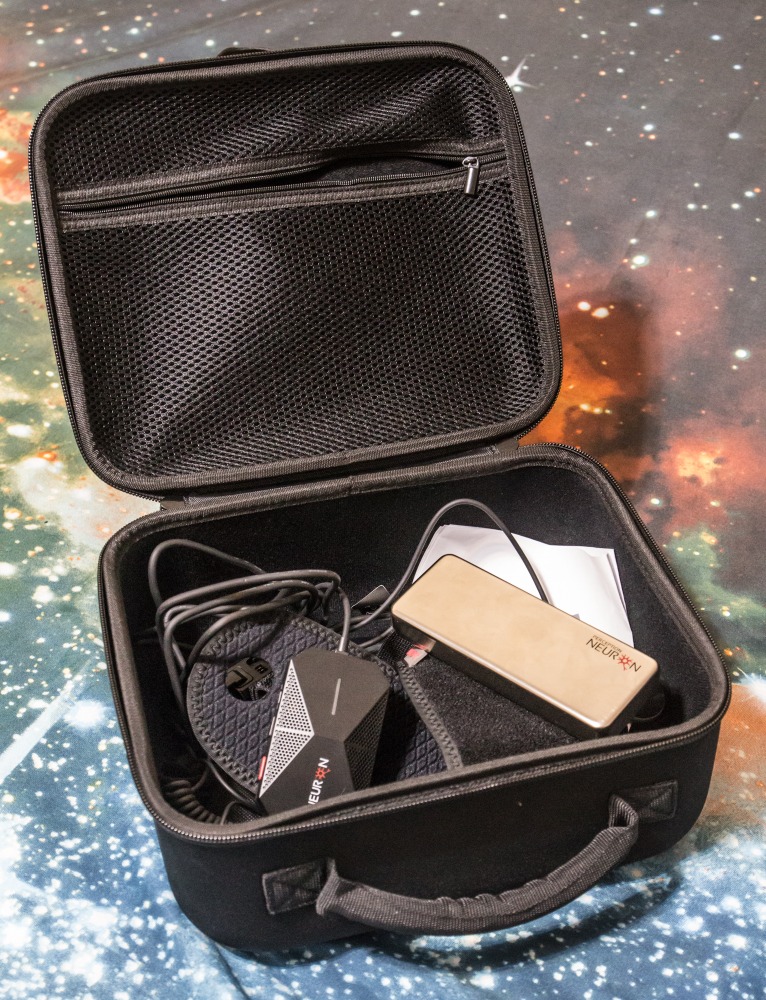
It's important to remember that this is an inertial MoCap system, which means it comes with extremely sensitive sensors which only work in a relatively magnetically safe environment. They are so sensitive in fact, that they come in a special anti-mag container. After use they should always reside inside to make sure they don't magnetize which would render them useless.
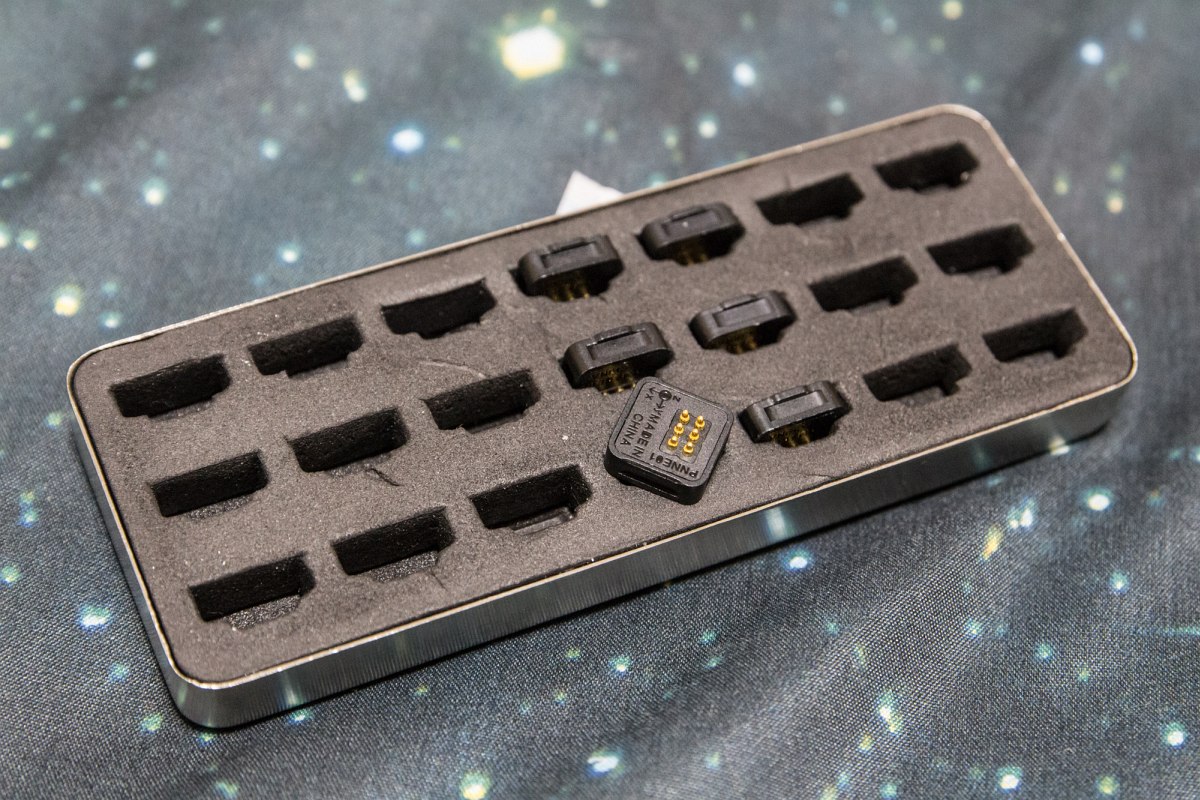
Having said that I must admit that I had no issues whatsoever using them even in close proximity to a monitor screen, PC and even my Wi-Fi router. There's also a crazy amount of Wi-Fi networks available all around the apartment so all I can say is – the system worked like a charm even in such non-perfect conditions which was a very pleasant surprise!
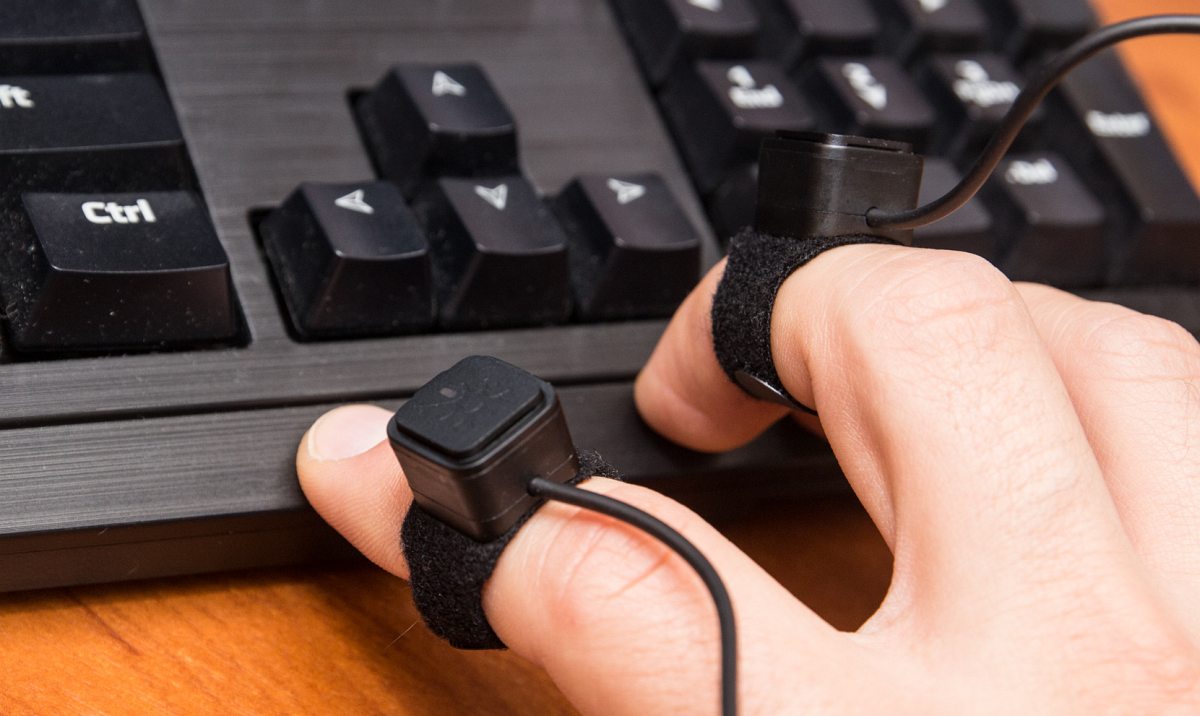
Setting the whole thing up was quite intuitive, although I found the manual quite lacking in detail on how to assemble the cables and put it all together. Just a Quick Start Guide and you're kind of on your own.
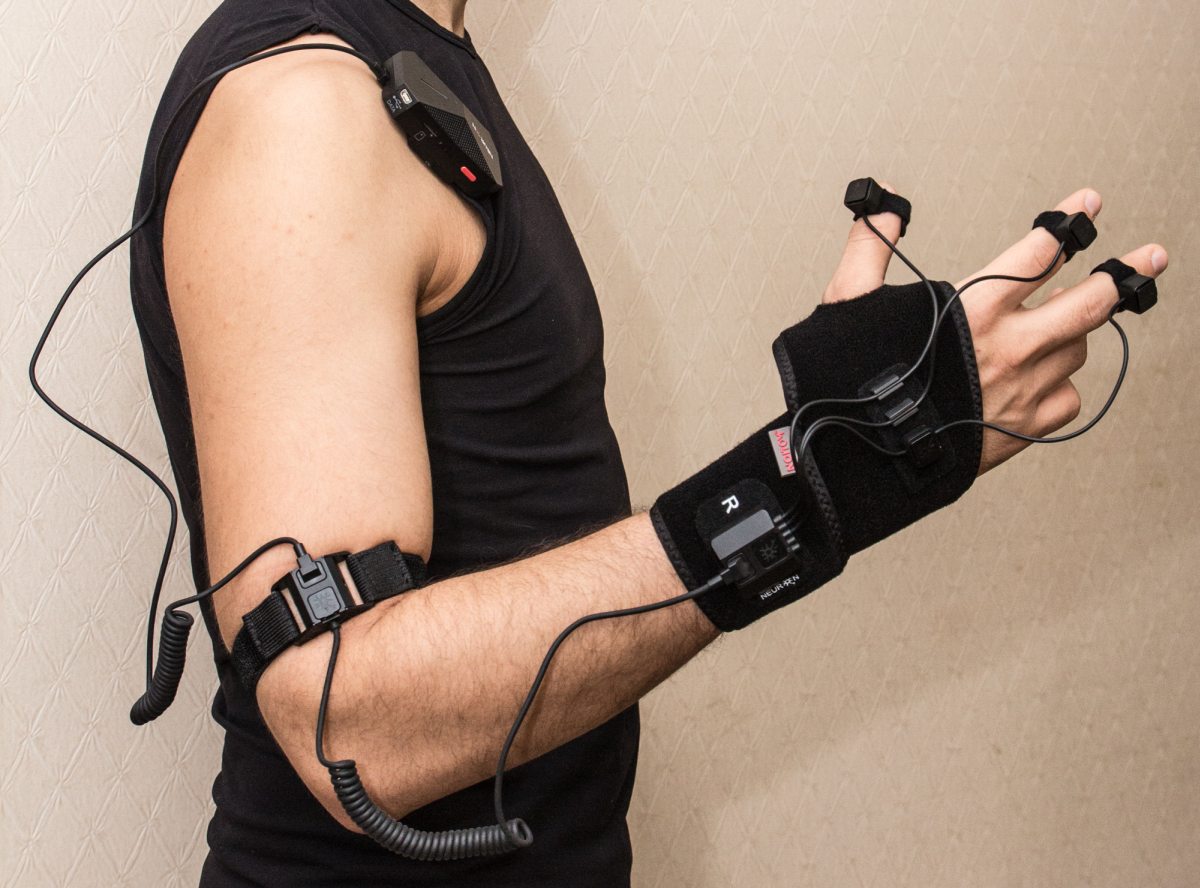
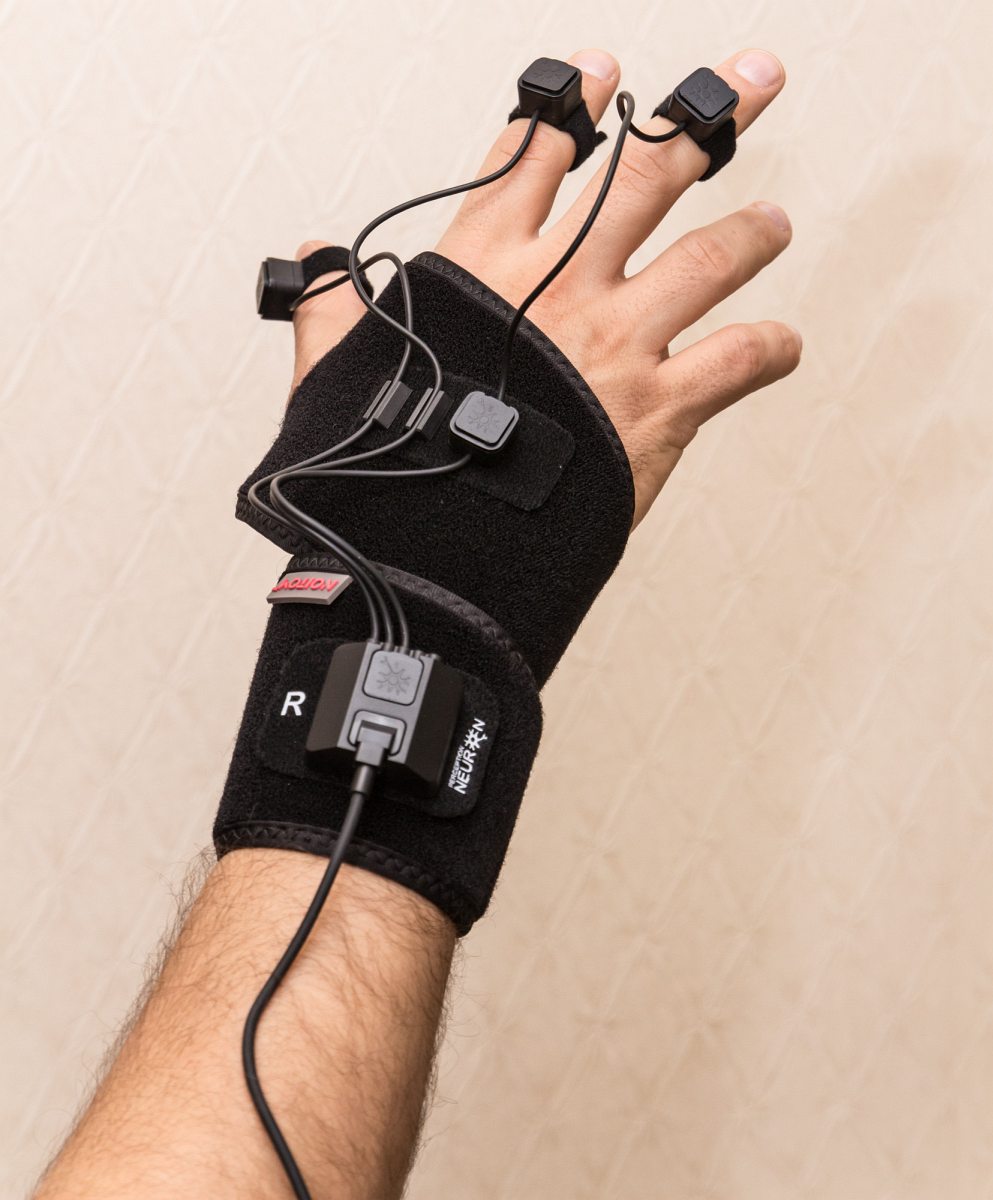
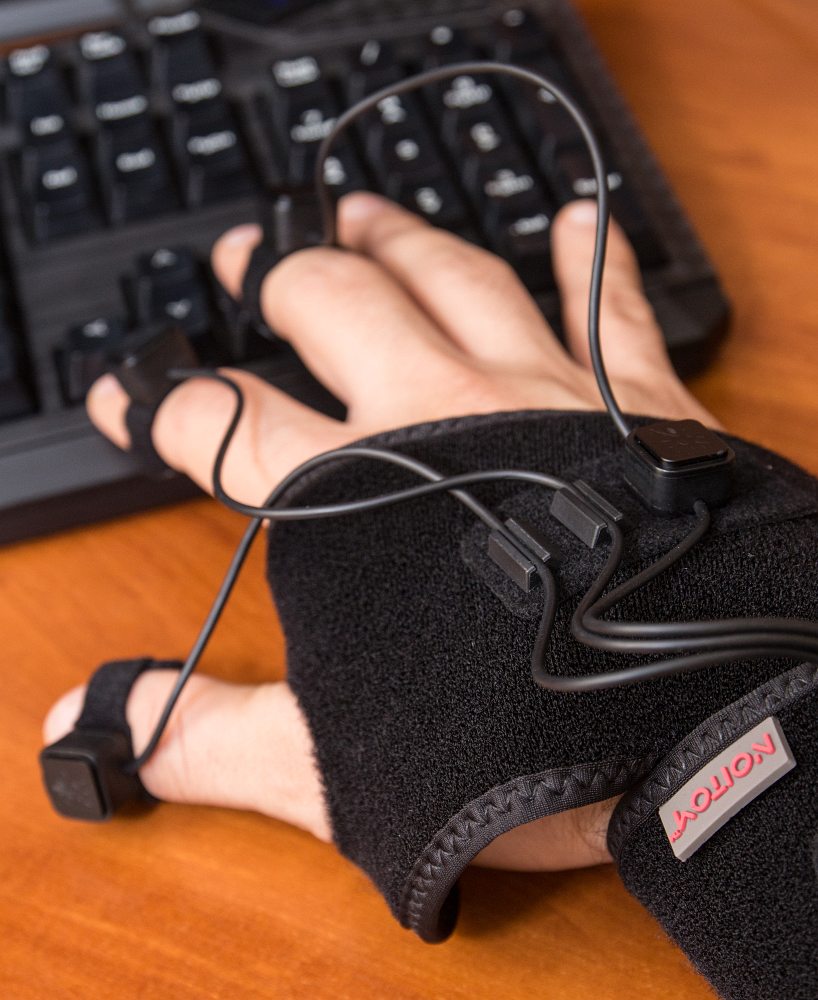
This particular kit doesn't come with a standard glove but rather some sort of a Velcro strap you wrap around your wrist whilst securing it with your thumb. In fact all non-electric elements or connectors have Velcro strips for placing on top of the base elements.
There's also a semi-interactive manual provided with the Axis Neuron software, but it mostly explains how the system works. Axis Neuron is a specialized app by Noitom designed to record and playback the MoCap data from the Perception Neuron system and it works quite well!
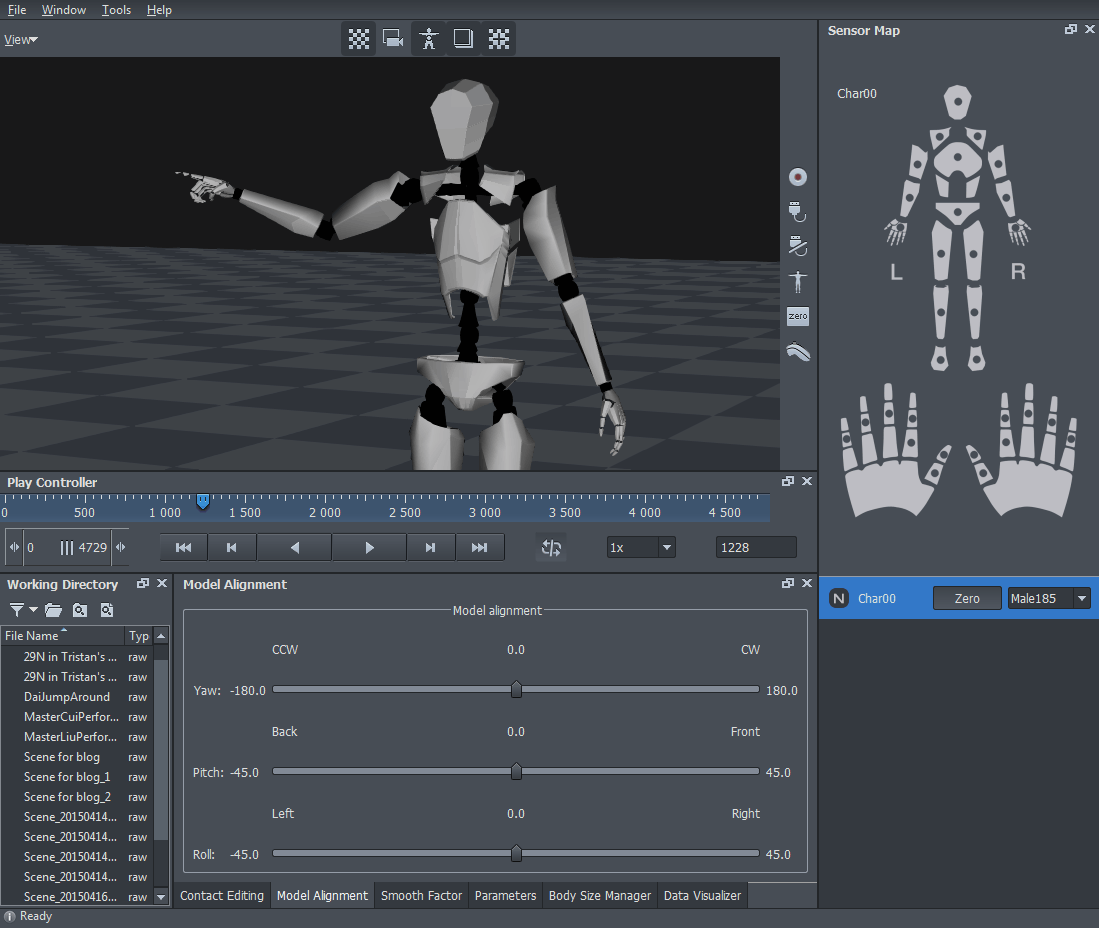
There are two editions: Standard and Pro, the latter costing about 700$ but (in theory) available for free for all Perception Neuron owners. I've contacted support on how to obtain access to the Pro version since it has all bells and whistles including motion smoothing, contact editing and other tools the Standard version is lacking.
UPDATE: Noitom support team replied the very next day with the info on how to receive my copy of Axis Neuron Pro, so now I'm a happy Pro user. Thank you, guys!
After quick set-up and calibration I was actually able to produce a descent take. Here's the raw recording without any smoothing or filtering to showcase what PN is capable of:
All in all, I can definetely say that the system works and can process even relatively fast motion. It will surely come in handy when the time comes to animate the characters in the film, so my next purchase from Noitom will be the 32-neuron full-body MoCap set. Can't wait!